
Building a custom rollup on Celestia’s data availability (DA) layer is rapidly emerging as the gold standard for developers seeking scalability, security, and modularity in blockchain design. Celestia’s architecture introduces a paradigm shift: it decouples consensus from execution and data availability, transforming how decentralized applications are built and deployed. For those ready to move beyond monolithic chains, understanding this modular approach is essential, and the tools to do so are increasingly accessible.
Why Choose Celestia for Custom Rollup Deployment?
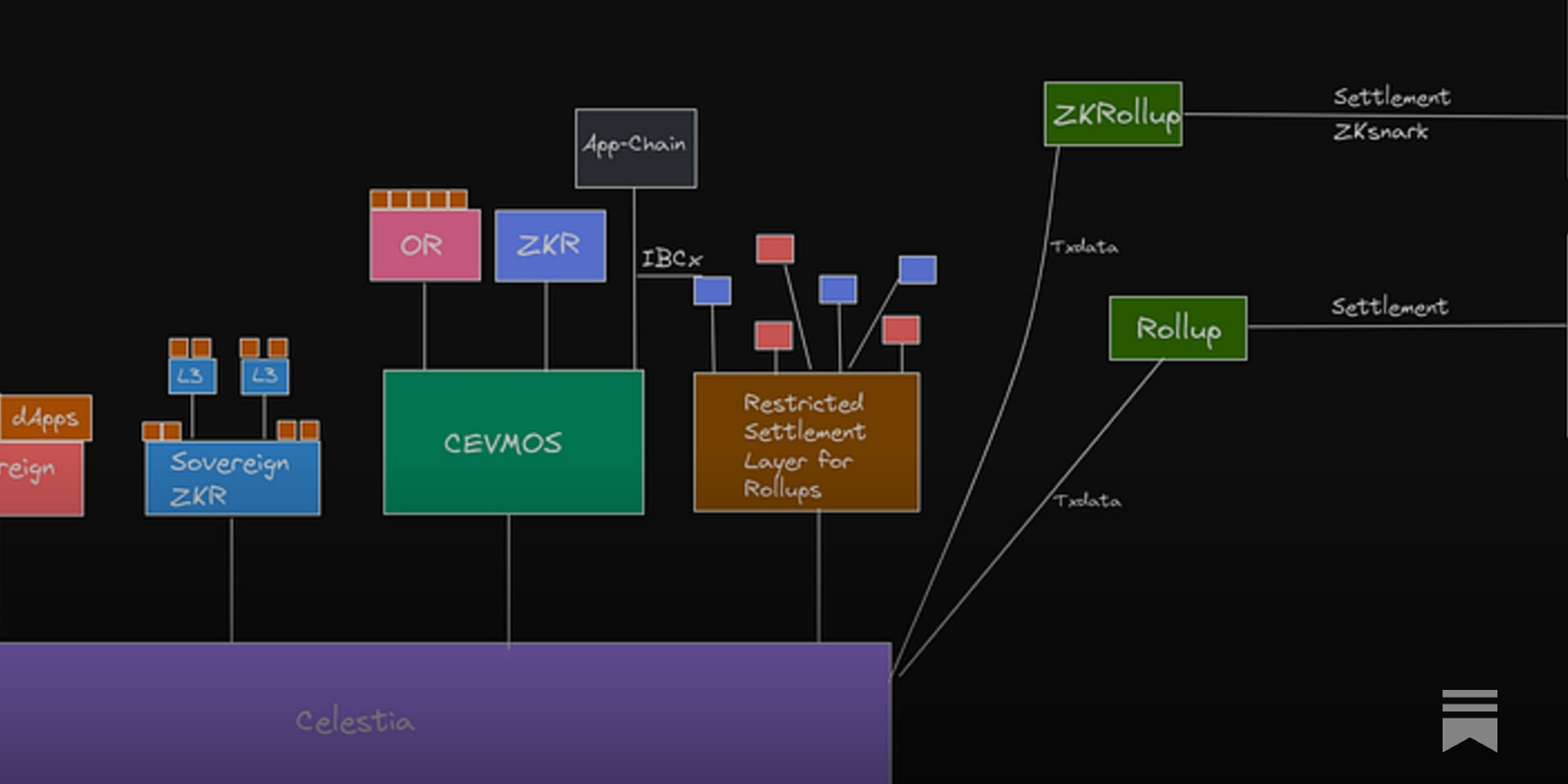
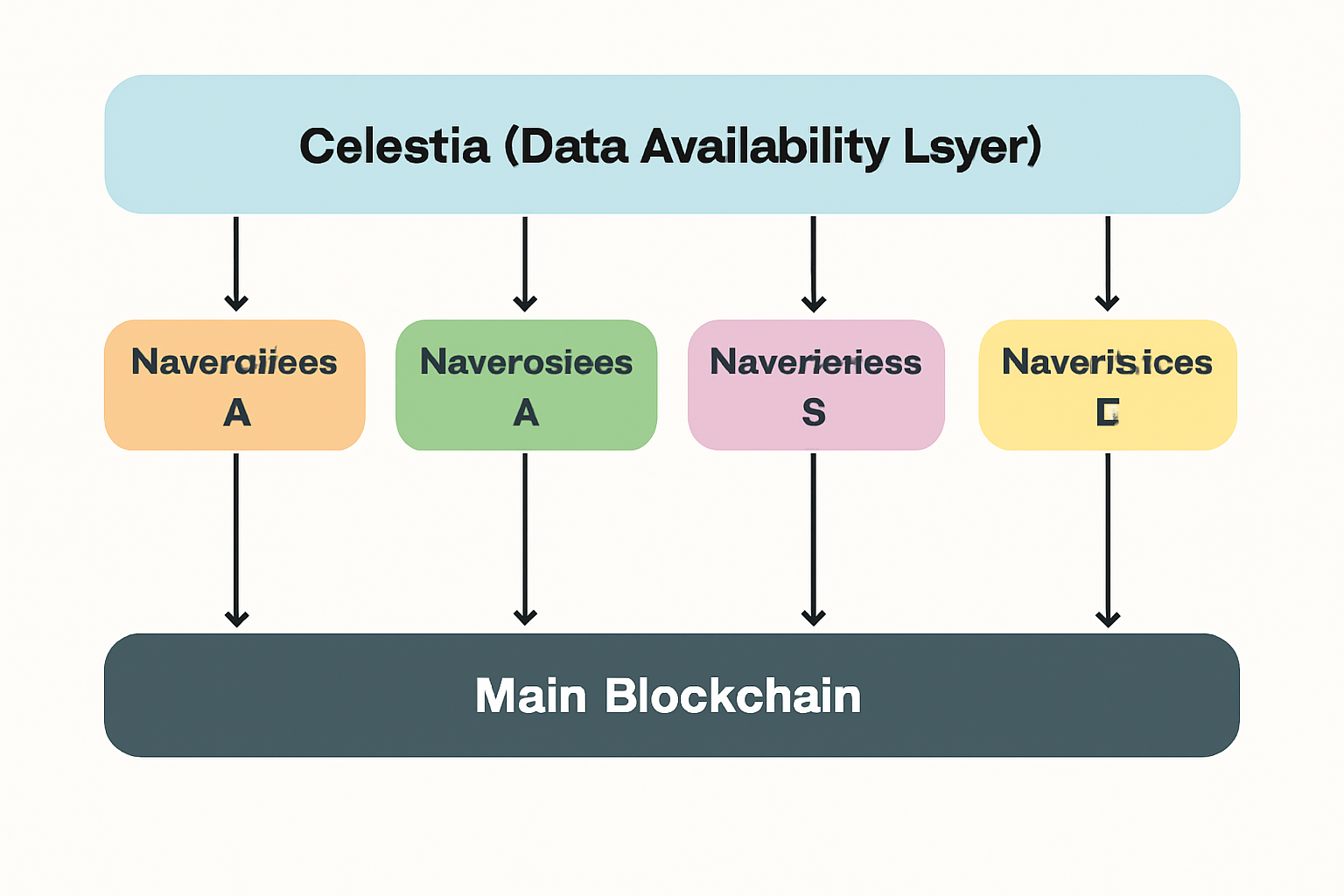
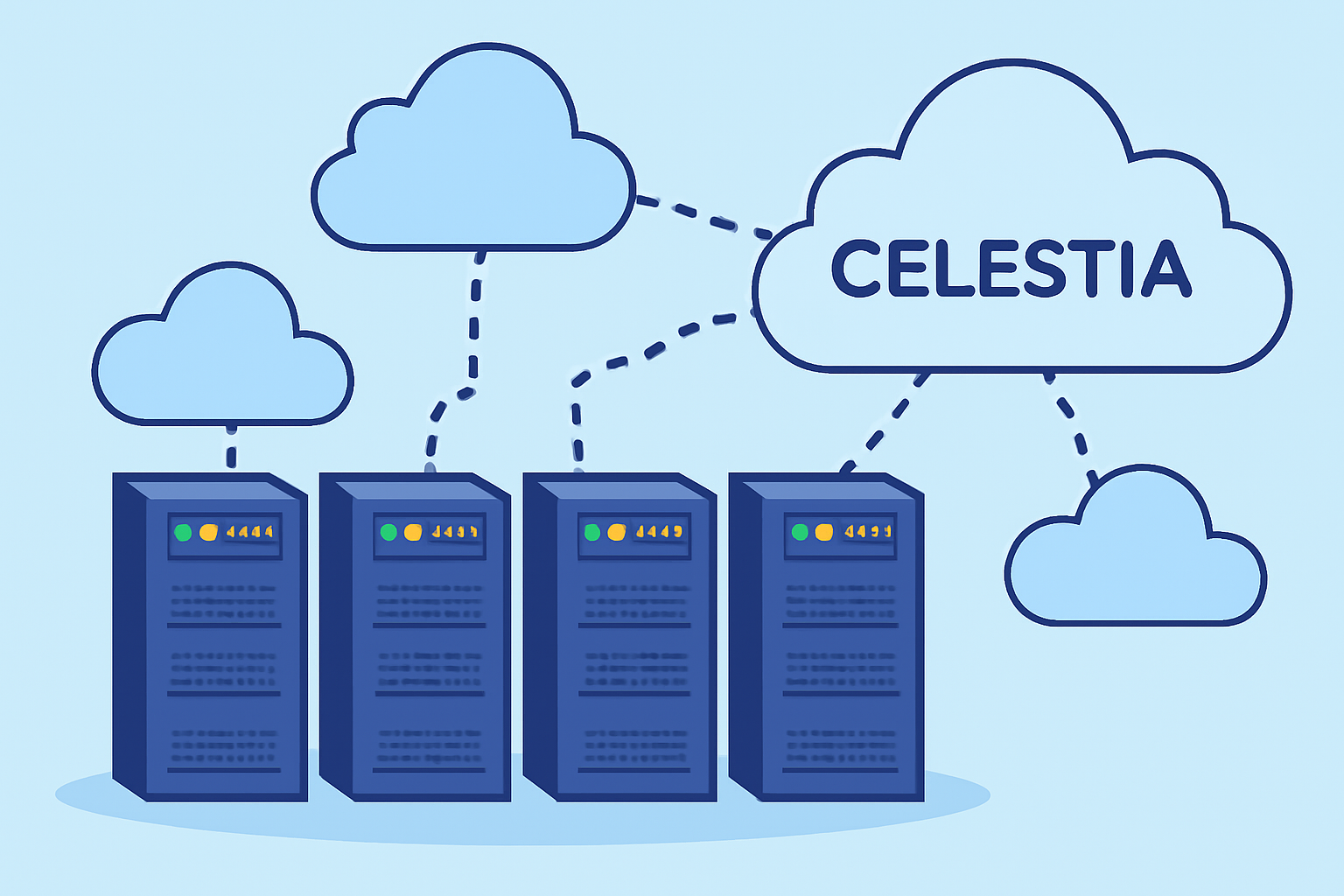
Celestia’s DA layer offers a unique advantage: partitioned namespaces. Each rollup or application gets its own namespace, ensuring transaction data is isolated yet verifiable. This means your custom rollup can leverage shared security without competing for blockspace or suffering from cross-application congestion. The result? Highly scalable, application-specific blockchains, all anchored to Celestia’s robust DA infrastructure.
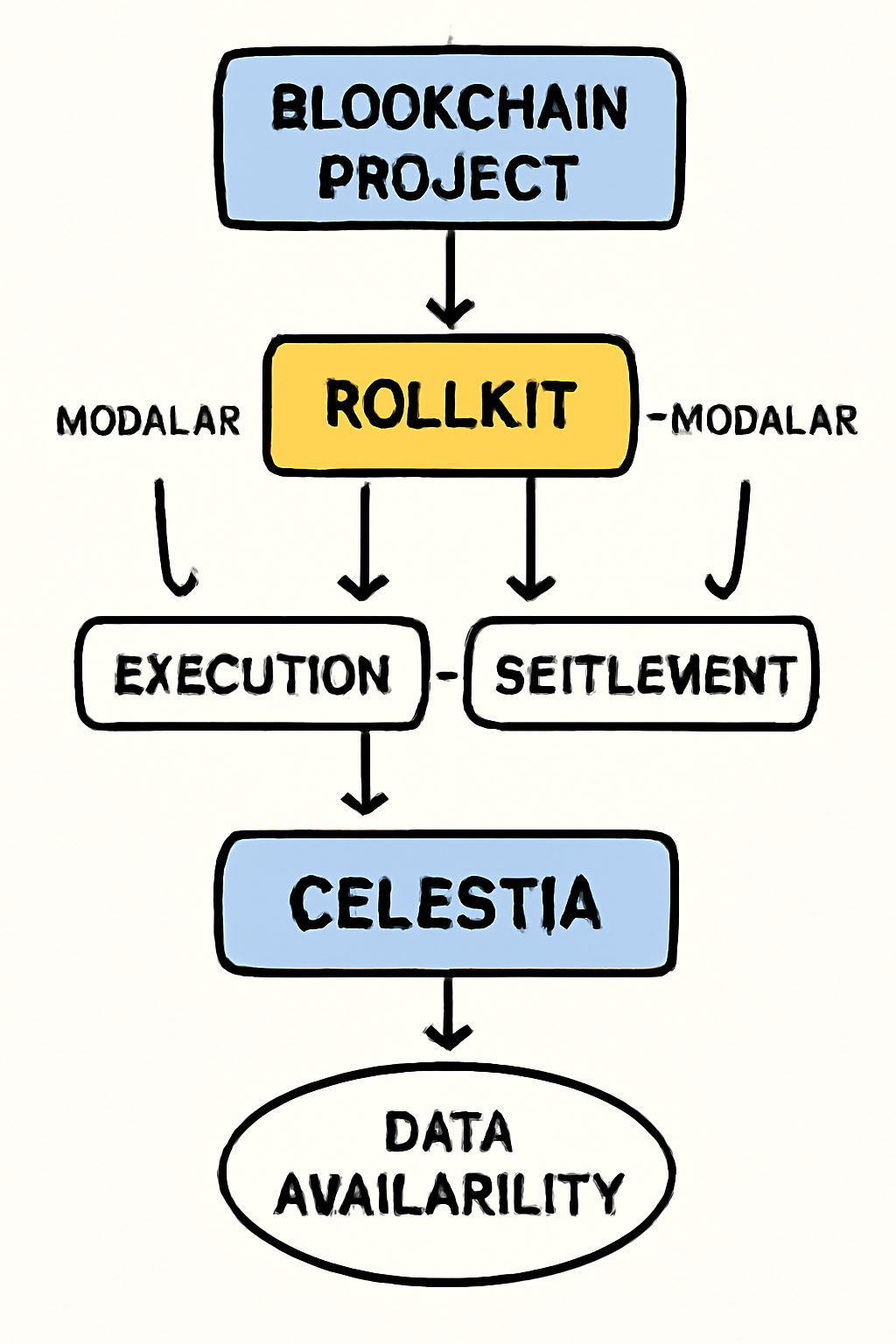
The ecosystem is maturing quickly. Developers now have access to frameworks like Rollkit, which abstracts away much of the complexity of integrating with Celestia’s DA layer. Combined with intuitive tooling, such as Ignite CLI and Cosmos SDK, building a bespoke rollup has never been more approachable.
The Modular Stack: Tools You’ll Need
Before diving into code, ensure your development environment is properly equipped. Here’s what you’ll need:
- Operating System: GNU/Linux or macOS
- Golang: Required for compiling most blockchain projects
- Ignite CLI (v0.26.1): Scaffolds Cosmos SDK-based chains (Celestia Docs)
- Rollkit: Modular rollup framework tightly integrated with Celestia (Rollkit Documentation)
- wget and jq: For web requests and JSON parsing
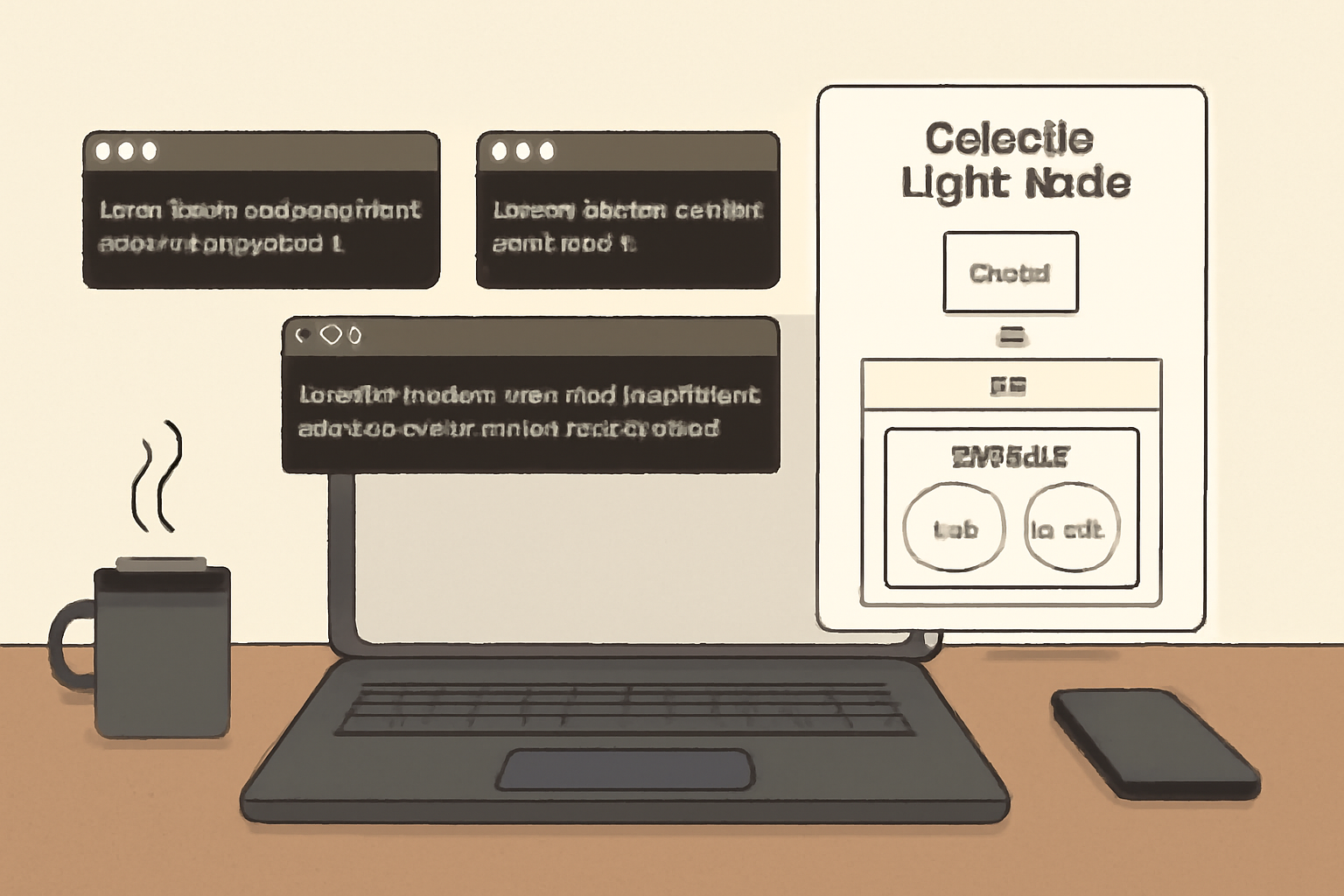
- Celestia Light Node: To interact with the DA layer directly
This toolkit enables developers to scaffold, integrate, and deploy a custom rollup chain that posts its data directly to the Celestia network, unlocking new frontiers in permissionless blockchain innovation.
Your Step-by-Step Guide: Building on Celestia’s Data Availability Layer
Deploying a Custom Rollup on Celestia with Rollkit: Step-by-Step
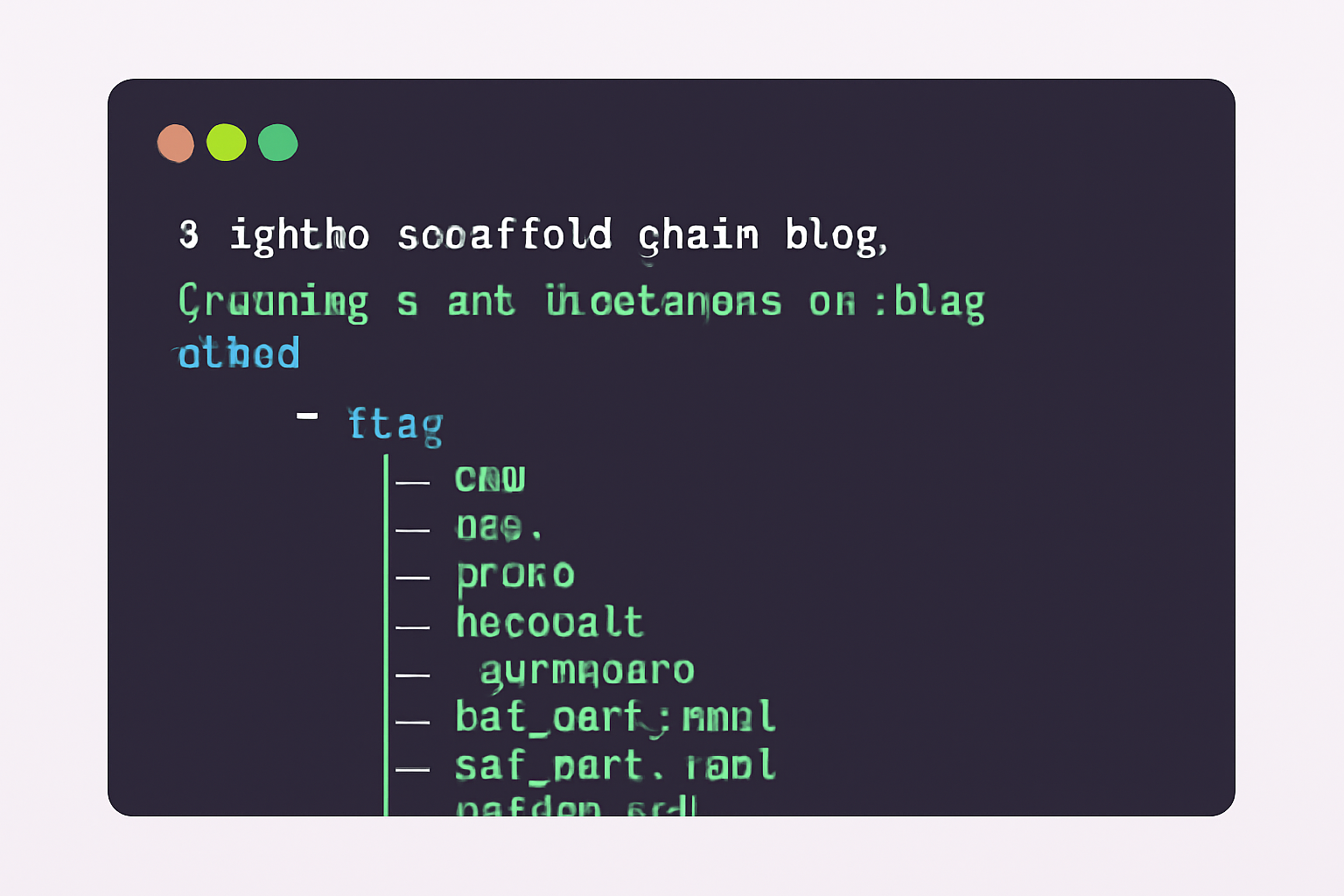
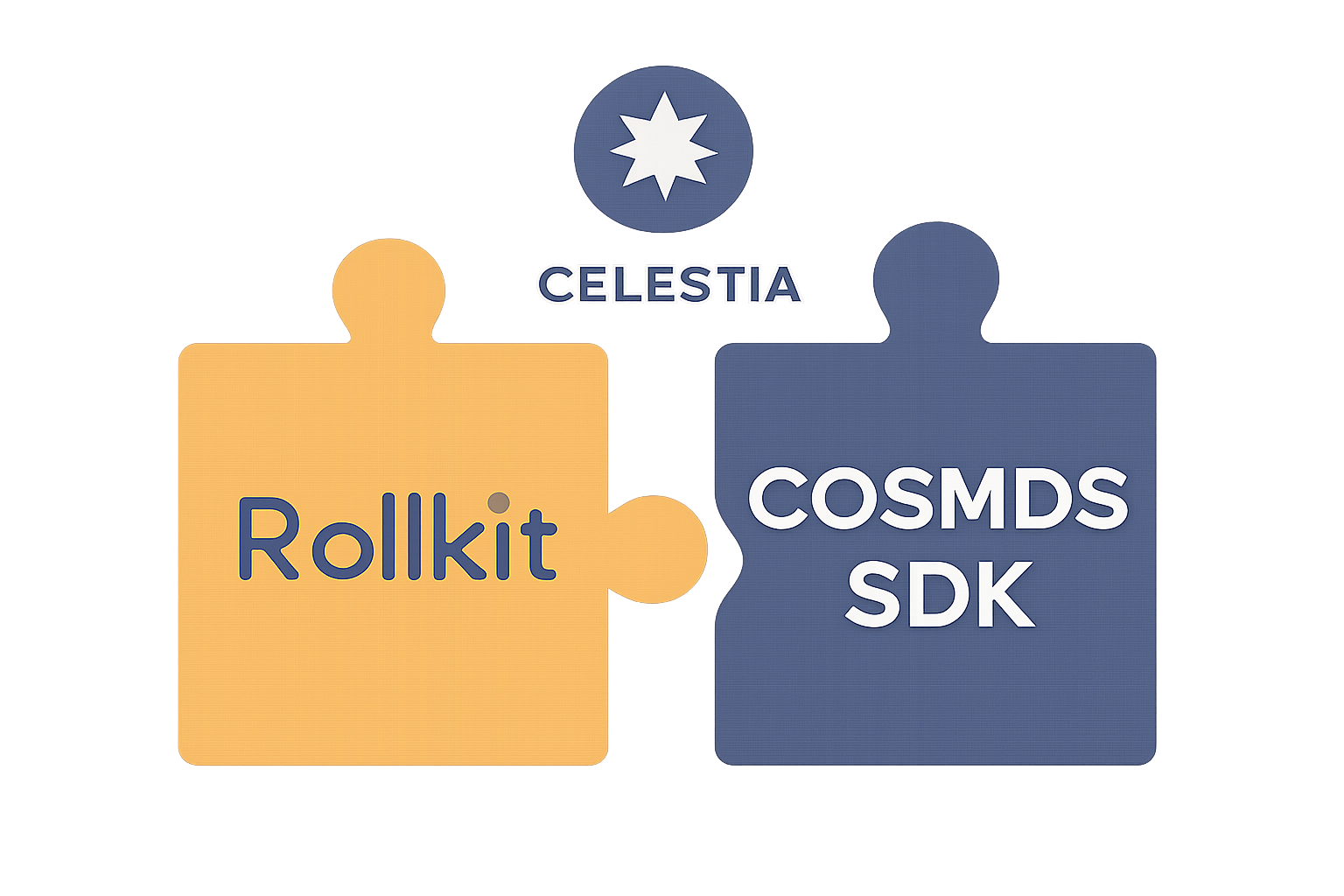
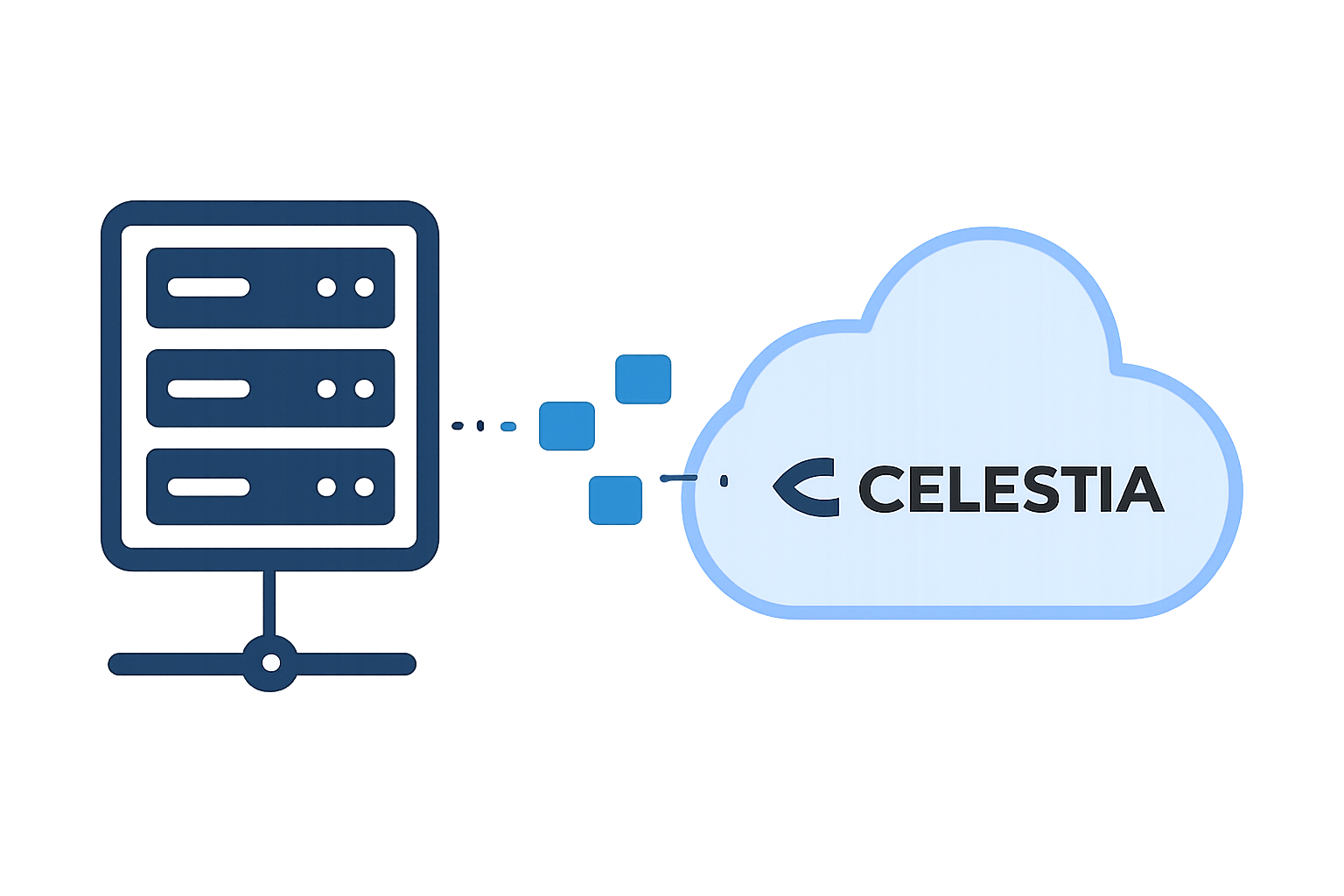
The hands-on process begins by installing Ignite CLI and scaffolding your new Cosmos SDK application. With Rollkit as your backbone, you’ll then add modular rollup functionality before configuring your chain to communicate securely with Celestia’s light node.
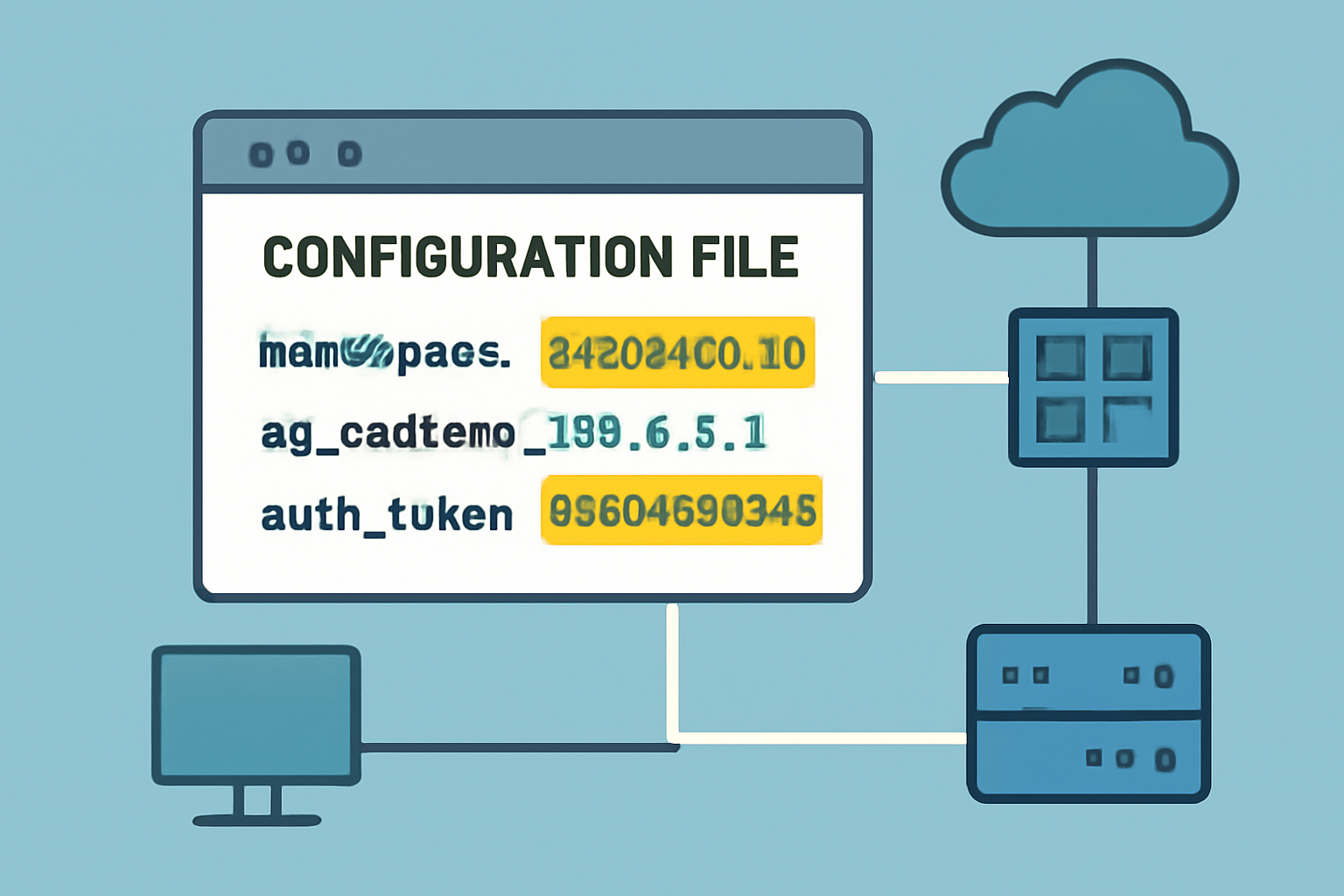
A critical step is generating your rollkit. toml configuration file, this defines how your rollup interacts with the DA layer, including authentication tokens, namespaces (to uniquely identify your chain), start heights, and connection endpoints. By specifying these parameters precisely, you ensure seamless data posting and retrieval from Celestia.
The Power of Namespaces and Blobs: Data Partitioning Reimagined
A signature feature of Celestia’s architecture is its use of namespaces within each block, a concept that allows every deployed rollup to operate independently while sharing the underlying DA infrastructure. When your chain posts transaction batches ("blobs") to Celestia, they’re tagged with a unique namespace ID assigned during setup. This guarantees that only your application can access or modify its own data segment within each block, a powerful tool for both privacy and scalability.
The next section will dive deeper into running the node and best practices for optimizing performance as you scale from testnet experimentation toward mainnet deployment.
Once your rollup is configured and your rollkit. toml file is in place, it’s time to bring your node online. Launching the rollup node with the correct parameters connects your application directly to Celestia’s data availability layer, allowing you to publish transactions as blobs in your designated namespace. This step marks the transition from theory to practice, your custom blockchain is now secured by Celestia’s decentralized DA consensus, yet remains logically independent and application-specific.
Running Your Rollup Node: From Testnet to Mainnet
To run your rollup node, use the rollkit start command and provide the necessary flags for aggregator mode, authentication, namespace ID, start height, and DA endpoint. This ensures that every transaction batch your chain produces is posted as a blob to Celestia’s DA network under your unique namespace. The modularity here is profound: scaling up or launching additional rollups becomes a matter of configuration rather than infrastructure overhaul.
Starting a Rollkit Rollup Node Connected to Celestia
To launch your Rollkit-powered rollup node connected to Celestia's data availability layer, use the following command. Be sure to replace `YOUR_NAMESPACE_ID` and `YOUR_CELESTIA_AUTH_TOKEN` with your actual values.
rollkit start \
  --da_layer celestia \
  --da_config='{"base_url":"http://localhost:26658","timeout":600000,"fee":6000,"gas_limit":6000000,"namespace_id":"YOUR_NAMESPACE_ID","auth_token":"YOUR_CELESTIA_AUTH_TOKEN"}' \
  --rollkit_config='{"chain_id":"rollkit-chain","app_state":"{}"}' \
  --core_config='{"rpc_addr":"tcp://localhost:26657","p2p_addr":"tcp://localhost:26656"}'
This command initializes the rollup node, specifying Celestia as the data availability layer and providing the necessary configuration parameters. Adjust the configuration as needed for your environment.
For many teams, it’s best practice to first deploy on a testnet environment. This allows you to monitor data propagation, verify namespace isolation, and stress-test transaction throughput before committing real assets or migrating users. Once validated, migrating to mainnet is straightforward, simply update configuration endpoints and ensure adequate node monitoring for uptime and latency.
Performance Optimization: Best Practices for Modular Rollups
1. Namespace Management: Assign clear naming conventions for namespaces across development, staging, and production environments. This reduces cross-chain confusion and helps isolate debugging.
2. Efficient Blob Sizing: Optimize transaction batching so that each blob maximizes blockspace without exceeding Celestia’s limits. Larger blobs can reduce posting overhead but may increase latency if too infrequent.
3. Monitoring and Alerts: Set up robust monitoring on both the rollup node and Celestia light node endpoints. Track metrics like blob confirmation times, failed posts, and DA network health.
4. Upgrade Pathways: Leverage Rollkit’s modularity, future upgrades (e. g. , new virtual machines or execution engines) can be slotted in with minimal disruption.
Optimizing and Scaling Your Custom Rollup on Celestia: A Step-by-Step Guide
Celestia Rollups in Action: Real-World Use Cases
The modular paradigm isn’t just theoretical, it’s powering next-generation applications from DeFi protocols requiring high throughput with isolated state machines to NFT platforms needing custom execution logic without L1 congestion risk. Projects leveraging Celestia’s DA layer enjoy rapid iteration cycles while inheriting decentralized security guarantees.
This approach also future-proofs your blockchain strategy: as new data availability innovations emerge within the Celestia ecosystem or beyond, modular rollups can adapt without wholesale migrations or risky forks.
Resources and Next Steps for Builders
If you’re ready to go deeper or troubleshoot advanced scenarios, from permissioned sequencers to integrating novel execution layers, the following resources are invaluable:
- Rollkit Developer Tutorials: Step-by-step guides for all major deployment patterns
- Celestia Docs: In-depth explanations of namespaces, blobs, consensus mechanisms
The rise of modular blockchain stacks, anchored by robust DA solutions like Celestia, signals a fundamental shift in how developers build permissionless systems at scale. By mastering these tools today, you position yourself at the forefront of tomorrow’s decentralized innovation landscape.



No comments yet. Be the first to share your thoughts!