
Deploying a modular rollup on Celestia using the Conduit framework is rapidly becoming the preferred strategy for developers who want to tap into the scalability and flexibility of modular blockchains. The process is streamlined, intuitive, and designed for both newcomers and seasoned blockchain engineers. In this guide, we cut through the noise and get straight to what matters: how to launch your own rollup with Celestia as your data availability (DA) layer using Conduit’s managed platform.
Why Deploy a Modular Rollup on Celestia with Conduit?
The modular blockchain ecosystem is evolving fast. Celestia stands out as a dedicated DA layer, letting rollups publish transaction data that’s accessible to anyone, without being chained to a monolithic architecture. Conduit takes this further by offering a no-code, production-ready deployment experience. You pick your tech stack, configure your environment, and let Conduit handle the rest.
This approach means you can focus on application logic and user experience instead of wrestling with infrastructure headaches. Whether you’re building an L2 for DeFi, gaming, or something entirely new, this combo gives you speed, security, and cost efficiency right out of the box.
Step-by-Step Guide: Setting Up Your Celestia Rollup on Conduit
Deploy a Modular Rollup on Celestia with Conduit: Quick Guide
The deployment flow is straightforward but powerful. Here’s how it breaks down:
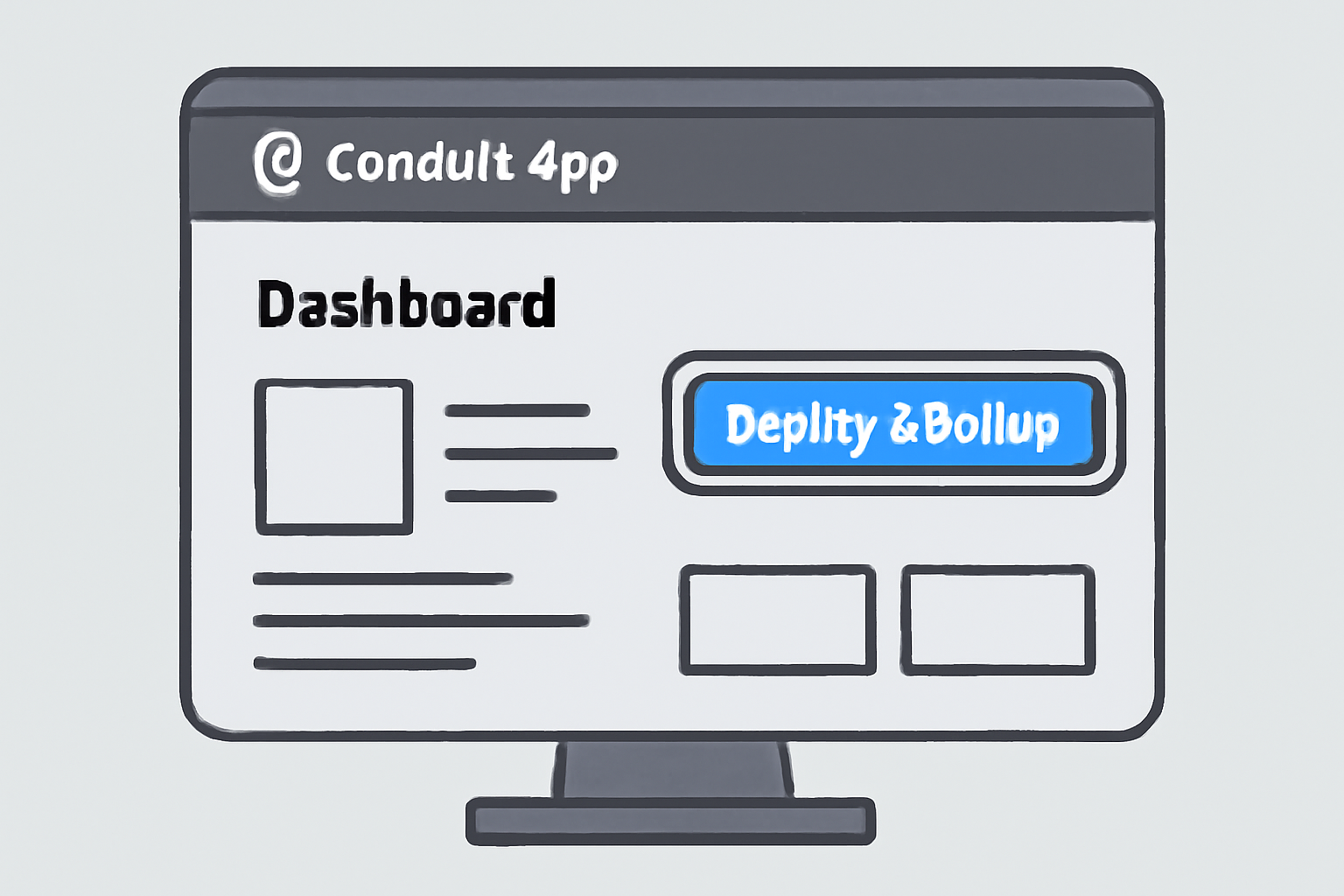
- Access the Conduit Platform: Head to the app dashboard and log in with your credentials.
- Select ‘Deploy a Rollup’: This kicks off the guided setup wizard.
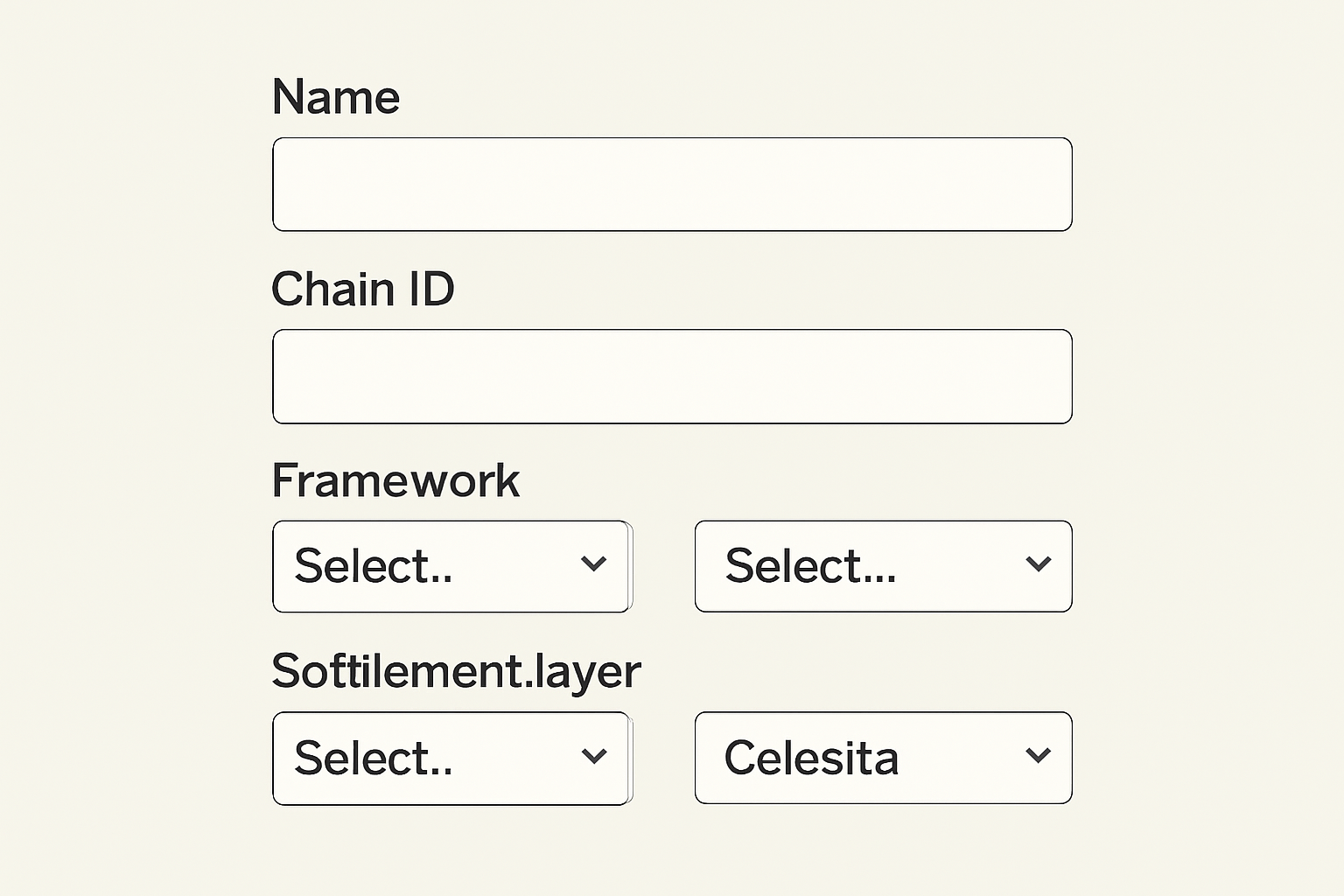
- Name and amp; Chain ID: Choose something unique, this will be your rollup’s identity across the modular stack.
- Tech Stack Selection: Decide which rollup framework (OP Stack, Arbitrum Orbit, etc. ), settlement layer (Ethereum L1 or L2), and DA layer (select Celestia) best fit your use case.
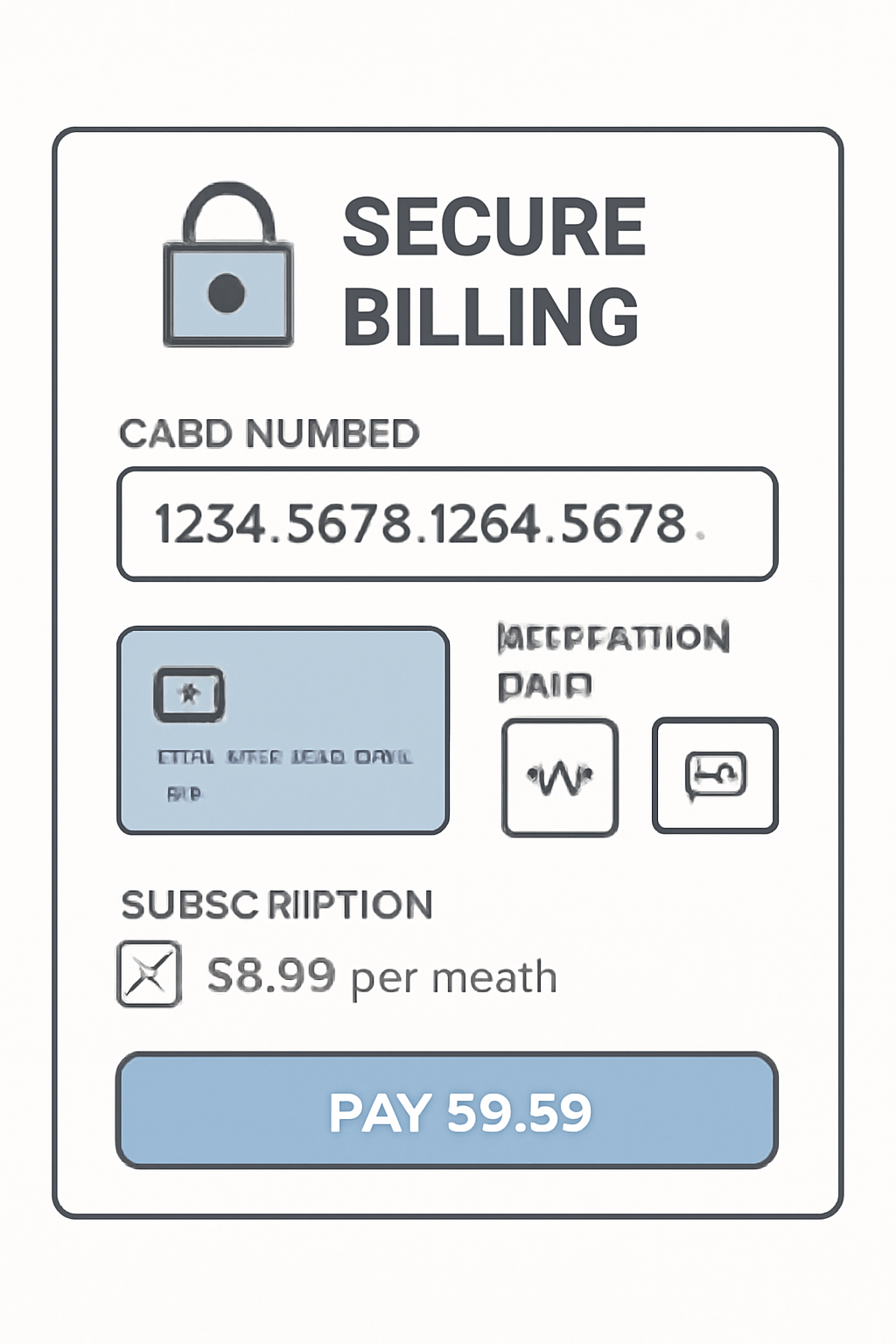
- Billing and amp; Funding: Enter billing details for subscription costs and fund your deployer wallet, Conduit handles resource allocation from there.
This entire process can be completed in minutes rather than days or weeks. For deeper technical dives into each step, including advanced configuration tips, see our dedicated walkthrough at How to Deploy a Custom Rollup on Celestia Using the Conduit Framework.
The Power of Modular Rollups: What Sets This Stack Apart?
The real magic here is separation of concerns. By decoupling execution from data availability, you unlock vertical scalability without sacrificing decentralization or security. Your rollup leverages Celestia’s robust DA guarantees while still being able to plug into any settlement layer supported by Conduit.
This setup isn’t just theory, it’s actively powering next-gen dApps right now. Developers are already seeing reduced deployment friction and improved performance metrics compared to legacy stacks. If you want more context or practical insights from similar deployments, check out our ongoing coverage at How to Deploy a Custom Rollup on Celestia: Step-by-Step Guide for Developers.
No-Code Deployment Meets Production-Grade Infrastructure
You don’t need to be a protocol engineer or DevOps specialist anymore. With Conduit’s managed service model, anyone can spin up mainnet-ready rollups in just a few clicks, no code required. That means less time fighting infrastructure fires and more time iterating on what makes your project unique.
Once your rollup is live, Conduit provides a suite of monitoring and management tools so you can keep tabs on network health, block production, and DA costs in real time. The dashboard gives granular visibility into transaction throughput, gas usage, and Celestia data posting metrics, critical for optimizing both performance and spend as your user base scales.
For teams running high-velocity dApps or DeFi protocols, the ability to monitor DA costs is a game-changer. You can quickly spot trends, adjust parameters on-the-fly, and make informed decisions about upgrades or scaling strategies without downtime. This level of operational transparency simply isn’t available with most legacy L1 or monolithic rollup solutions.
Beyond Launch: Managing and Upgrading Your Rollup
Deployment is just the beginning. As your project evolves, you’ll want to upgrade smart contracts, tweak settlement logic, or even migrate to new frameworks. Conduit’s platform streamlines this with built-in upgrade paths, no need for manual migrations or risky contract redeploys. You get version control for your stack components and can push updates with minimal disruption to users.
This flexibility keeps your rollup future-proofed as the modular ecosystem matures. Whether you’re integrating new Celestia features or pivoting to a different settlement layer down the line, Conduit’s abstraction layer reduces friction at every step.
Tips for a Smooth Modular Rollup Setup
Top 5 Tips for Deploying a Modular Rollup on Celestia with Conduit
- Double-check your rollup configuration—verify your name, chain ID, and tech stack before deploying. Mistakes here can cause costly redeployments.
- Choose Celestia as your data availability layer for seamless integration and scalability. Celestia is purpose-built for modular rollups and ensures reliable data posting.
- Fund your deployer wallet in advance to avoid deployment delays. Ensure you have enough balance to cover all required fees and subscriptions.
- Review billing details carefully—enter accurate payment info to prevent failed deployments. Subscription fees are required for mainnet rollups on Conduit.
- Leverage Conduit’s documentation and support—use the official deployment guide for step-by-step instructions and troubleshooting.
It pays to plan ahead before you hit deploy. Here are some quick tactical pointers:
- Test in Staging: Use Conduit’s testnet environments before going mainnet, catch bugs where it’s cheap.
- Monitor DA Fees: Keep an eye on Celestia posting costs and optimize data batch sizes for efficiency.
- Automate Funding: Set up scripts to auto-refill your deployer wallet so deployments never stall.
- A/B Test Frameworks: Spin up multiple rollups with different stacks to benchmark performance for your use case.
- Tune Governance Early: Decide on upgradeability permissions before launch, don’t leave admin keys unassigned.
Frequently Asked Questions
The modular stack isn’t just hype, it’s the new baseline for blockchain scalability in 2025. With platforms like Conduit making deployment accessible and Celestia delivering best-in-class data availability, there’s never been a better time to launch your own custom chain. If you want more technical deep dives or hands-on tutorials covering advanced scenarios (like integrating with OP Stack or customizing state machines), head over to our detailed guide at How to Build and Deploy a Custom Rollup Using Celestia’s Data Availability Layer.
No matter what vertical you’re targeting, DeFi, gaming, NFTs, the modular approach delivers speed without compromise. With the right setup, you can iterate fast and scale confidently into whatever comes next in web3.



No comments yet. Be the first to share your thoughts!