
Deploying a modular rollup on Celestia using Conduit is rapidly becoming the default path for teams looking to launch scalable, production-grade blockchains without the friction of legacy monolithic architectures. With Conduit’s intuitive Rollup as a Service (RaaS) platform and Celestia’s robust data availability layer, developers can spin up their own chains in minutes, not months. If you’re seeking a hands-on guide that skips the fluff and gets straight to actionable steps, you’re in the right place.
Why Use Conduit and Celestia Together?
Celestia’s modular design separates consensus from execution, making it an ideal foundation for modern rollups. Instead of being locked into a single ecosystem, projects can leverage Celestia for data availability while customizing their settlement and execution layers. Conduit acts as the bridge between your vision and mainnet reality, abstracting away operational complexity into a few guided steps.
This approach brings several key benefits:
- Simplicity: Launching a rollup is as easy as clicking through a deployment wizard.
- Flexibility: Choose your own tech stack, environment (Testnet or Mainnet), and settlement layer.
- Speed: Go from ideation to live chain in under ten minutes, no more waiting weeks for manual deployments or custom infrastructure work.
If you want to see how this fits into the broader modular blockchain movement, check out our detailed walkthrough: Step-by-Step Guide to Deploying a Modular Rollup on Celestia Using Conduit.
The Deployment Process: From Zero to Rollup in Minutes
The magic behind Conduit’s RaaS platform is its streamlined user experience. Here’s how you can get started deploying your own modular rollup using Celestia as your data availability layer:
Deploying a Modular Rollup on Celestia with Conduit: A Visual Walkthrough
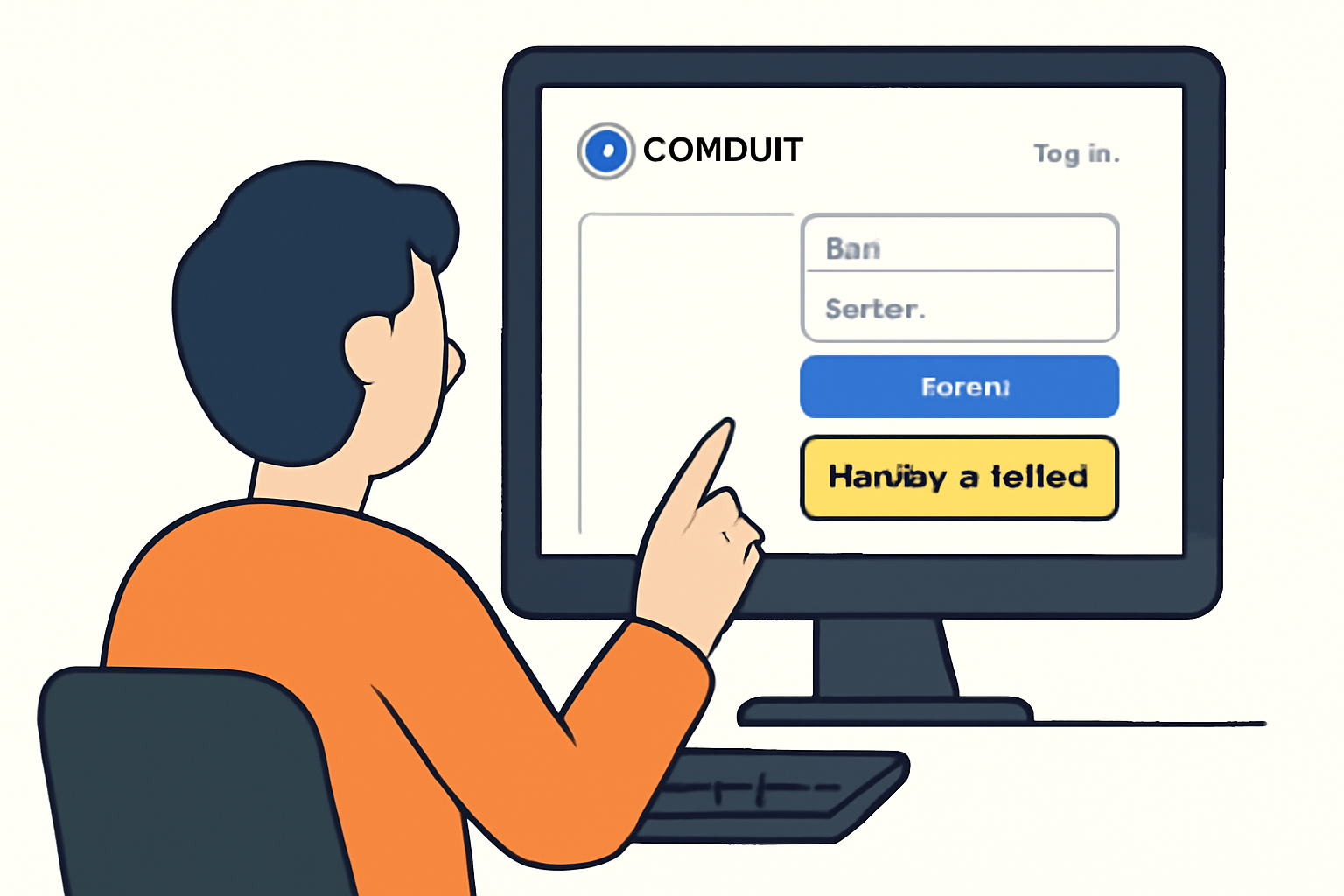
- Access the Conduit Platform: Head over to the Conduit App and log in with your credentials. If you don’t have an account yet, registration takes less than two minutes.
- Create Your Deployment: Click on ‘Deploy a Rollup’ or ‘ and New Deployment’. This launches an intuitive wizard that walks you through each configuration step.
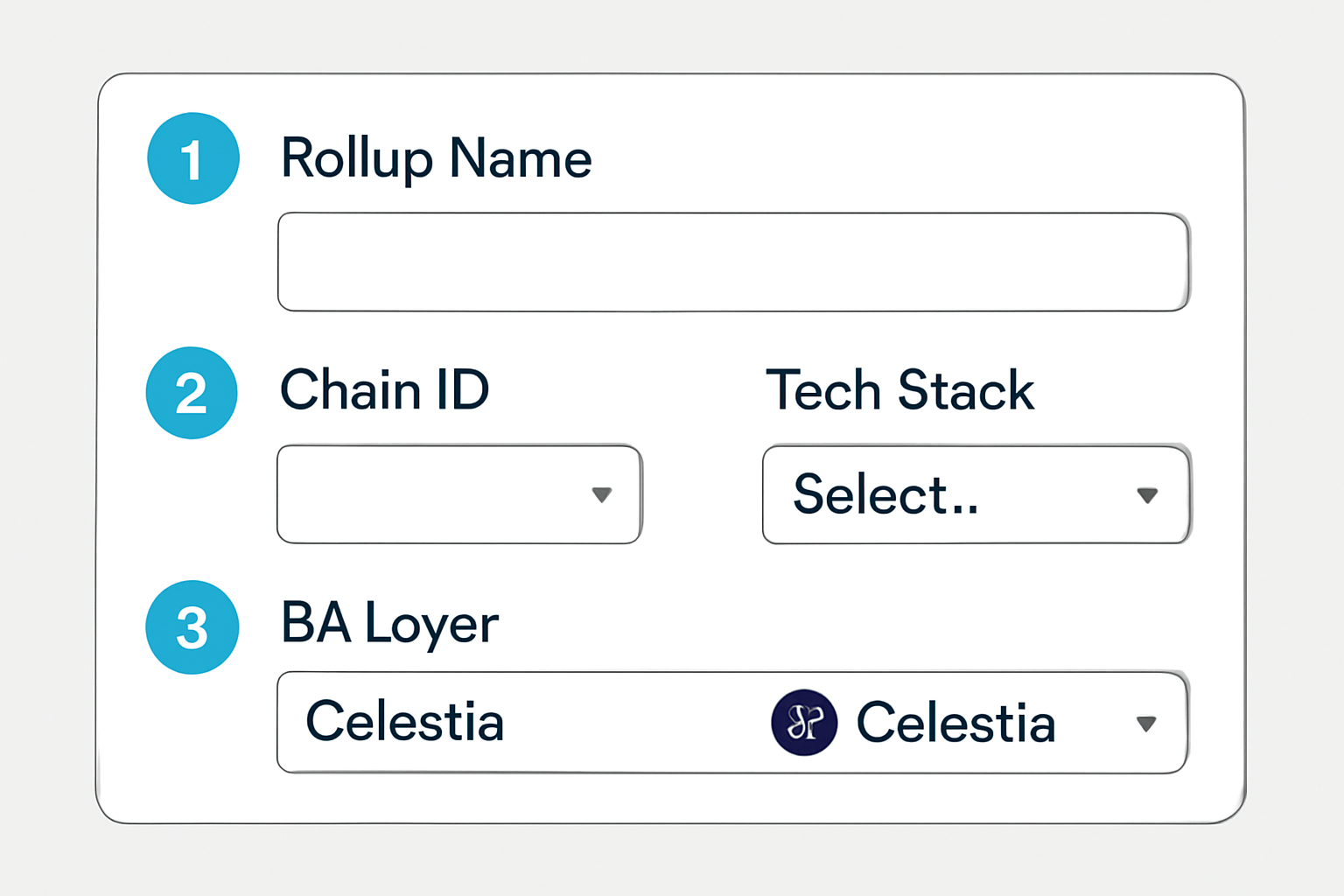
- Name and amp; Chain ID: Choose a unique name and chain ID for your rollup. Double-check that your chosen chain ID isn’t already taken by referencing resources like Chainlist.
- Select Your Stack and amp; Environment: Pick your preferred execution framework (e. g. , OP Stack), settlement layer (such as Ethereum or another L1), and set ‘Celestia’ as your Data Availability provider. Decide whether you want to deploy on Mainnet or Testnet, most teams start with Testnet before going live.
This process is designed so that even developers new to modular blockchains can launch confidently. The interface provides tooltips and validation checks at every step, minimizing mistakes and guesswork.
Navigating Billing and Funding Requirements
A critical but often overlooked part of launching any blockchain is handling billing and deployment costs transparently. With Conduit, this process is straightforward:
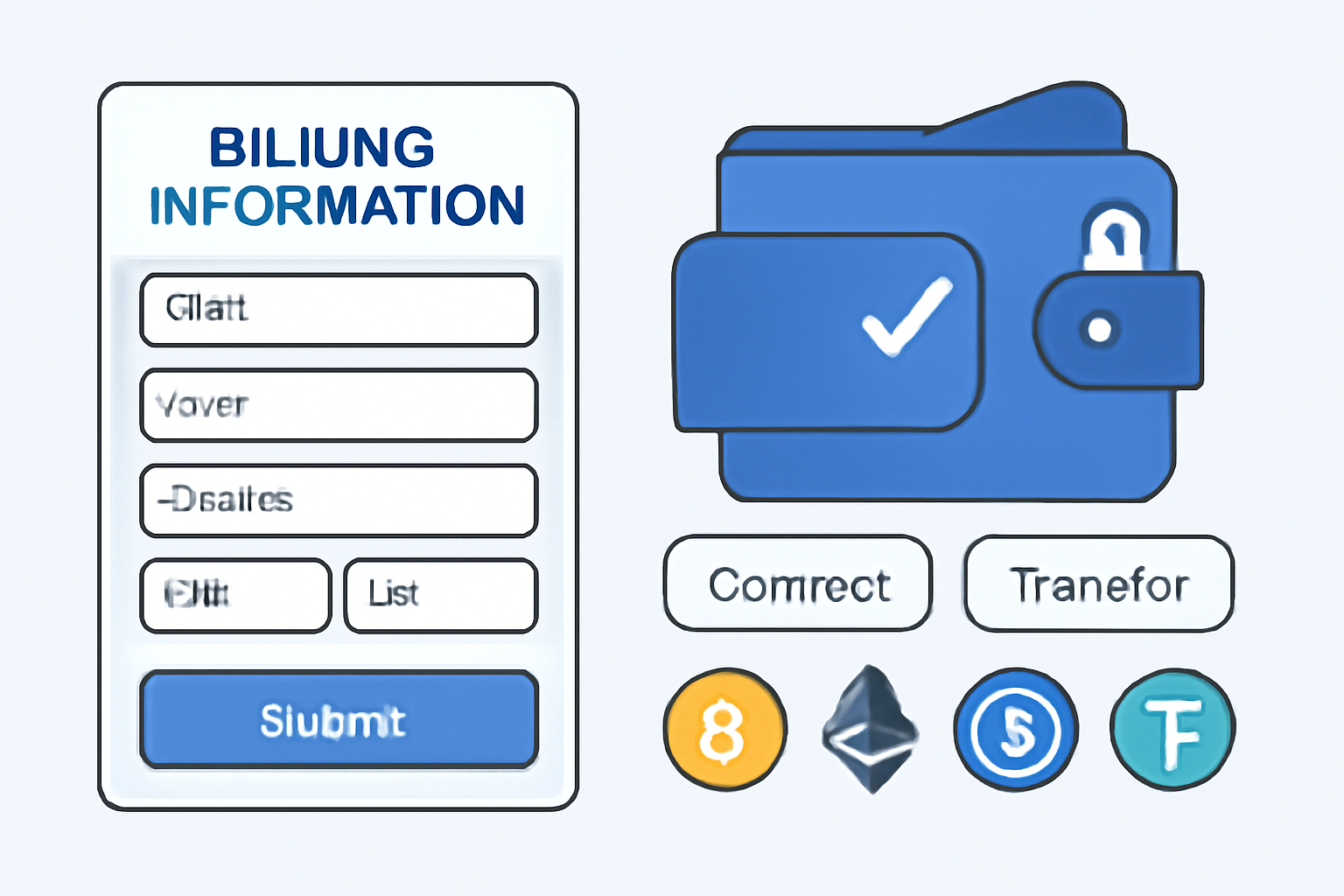
- Add Billing Details: Enter payment information for subscription fees associated with maintaining your rollup instance. Prices are clearly displayed before confirming deployment, no hidden charges or surprises down the line.
- Fund Your Deployer Wallet: You’ll be prompted to connect or fund a deployer wallet address provided by Conduit. This covers initial setup expenses like smart contract deployments and gas fees on both settlement and data availability layers.
The platform provides real-time feedback if funds are insufficient, ensuring there are no delays once you hit ‘Deploy’.
After completing your rollup configuration and ensuring your deployer wallet is funded, launching your modular rollup on Celestia via Conduit is just a click away. Once you hit the Deploy button, Conduit’s backend orchestrates the entire deployment process, from provisioning infrastructure to initializing your chosen stack and registering your rollup with Celestia’s data availability network.
The deployment typically takes only a few minutes. You’ll receive real-time notifications within the dashboard regarding deployment status, and once live, you can immediately access your rollup’s endpoints, block explorer links, and API keys. This frictionless workflow means teams can iterate rapidly, test new features, and scale up without operational bottlenecks.
Post-Deployment: Managing and Scaling Your Rollup
With your rollup live, Conduit provides a suite of management tools for ongoing operations. You can monitor network health, track transaction throughput, and manage upgrades directly from the dashboard. Integration with Celestia ensures that your rollup benefits from a decentralized, censorship-resistant data availability layer, while retaining the flexibility to evolve your execution or settlement logic over time.
For teams building production-grade applications, Conduit’s automated monitoring and alerting help maintain uptime and reliability. Features like one-click upgrades and seamless integration with third-party tools (oracles, bridges, analytics) further reduce overhead, letting developers focus on innovation rather than infrastructure.
Best Practices and Tips for a Smooth Launch
- Start on Testnet: Always begin deployments on a testnet environment to validate configurations and catch any edge cases before moving to mainnet.
- Document Your Stack: Keep detailed records of your chosen execution framework, chain ID, and configuration parameters, this aids troubleshooting and future migrations.
- Monitor Costs: Use Conduit’s billing dashboard to track ongoing expenses. Modular rollups on Celestia are cost-efficient compared to monolithic chains but monitoring spend ensures long-term sustainability.
- Engage with the Community: Join forums and Discord channels for both Conduit and Celestia. Community support can be invaluable for debugging or optimizing your deployment.
If you’re ready to experiment with advanced features or need more granular control over your deployment, check out our in-depth guides for custom setups: How to Deploy a Custom Rollup on Celestia Using the Conduit Framework.
Frequently Asked Questions
The combination of Conduit’s RaaS platform with Celestia’s modular data availability is redefining how blockchains are launched and managed. Whether you’re launching a DeFi protocol, NFT platform, or an enterprise solution, this stack offers unmatched flexibility without compromising on security or scalability. As the modular blockchain ecosystem matures, expect even more streamlined tooling and integrations, making now the perfect time to get hands-on with these technologies.



No comments yet. Be the first to share your thoughts!