

In the fast-evolving landscape of modular blockchains, deploying Eclipse rollups on Celestia with Conduit integration stands out as a game-changer for developers targeting high-throughput applications in 2026. This stack combines Eclipse's Solana VM prowess for customizable rollups, Celestia's blazing 1TB/s data availability layer, and Conduit's Rollup-as-a-Service efficiency to slash costs and boost scalability. Projects like Aevo and Lyra have already reaped the rewards, migrating seamlessly and achieving unprecedented performance. If you're ready to harness celestia modular rollups, this guide walks you through the essentials.
Eclipse rollups shine by bringing the Solana virtual machine's parallel execution to the rollup world, enabling app-specific chains that settle on Ethereum while publishing data to Celestia. This setup sidesteps Ethereum's DA bottlenecks, tapping into Celestia's Fibre for components like order matching engines that demand massive bandwidth. In 2026, with Fibre's 500-node sampling, developers must prioritize devnet testing to handle the higher bandwidth needs over traditional L1s. Parallel encoding and optimized blob sizes further refine this, cutting costs without sacrificing security.
Unpacking the Eclipse-Celestia-Conduit Synergy
The magic lies in how these frameworks interlock. Celestia acts as the sovereign DA layer, where rollups post transaction data for anyone to verify, decoupling it from execution and consensus. Eclipse layers on top with its Sealevel VM, supporting IBC for cross-chain fluidity and offering customization that monolithic chains envy. Conduit glues it all with RaaS, automating deployment so you focus on app logic rather than infrastructure plumbing.
Consider the economics: traditional Ethereum rollups grapple with blob space wars, but Celestia's namespace model lets you pay only for what you use. Add Conduit's streamlined configs, and deployment time drops from weeks to days. I've seen teams iterate faster, launching MVPs that scale to millions of users. This isn't hype; it's the modular stack maturing into a developer-first reality.
Key Advantages Driving 2026 Adoption
Why commit to this stack now? Scalability tops the list. Celestia's 1TB/s throughput handles the data deluge from Eclipse's high TPS, while Conduit ensures provable security through Celestia's light clients. Cost savings hit hard too; migrations like Lyra's demonstrate 80% reductions in DA fees. Security remains ironclad with Eclipse's Ethereum settlement and Celestia's erasure coding.
Customization is where Eclipse flexes. Build appchains tailored for DeFi, gaming, or social apps, all with Solana-speed execution. Conduit's integration simplifies sequencing and proving, letting you tweak without rebuilding. In my view, this trio outpaces OP Stack or Arbitrum Orbit for Solana devs eyeing modularity, blending familiarity with frontier tech.
Eclipse Rollups on Celestia (w/ Conduit) vs. OP Stack vs. Arbitrum Orbit: 2026 Comparison
| Feature | Eclipse Rollups on Celestia (w/ Conduit) | OP Stack | Arbitrum Orbit |
|---|---|---|---|
| Modularity | 🟢 Excellent: Fully sovereign rollups with modular stack (Rollkit), customizable execution/settlement/DA | 🟡 Moderate: EVM-centric, tied to Optimism ecosystem and Ethereum settlement | 🟢 High: Customizable Orbit chains with flexible DA and stack options |
| Solana VM Compatibility | 🟢 Native: Sealevel VM support for high-performance Solana-compatible rollups | 🔴 No: EVM-only | 🔴 No: Primarily EVM/Nitro, limited non-EVM support |
| Data Availability | 🟢 Celestia DA: 1TB/s throughput, Fibre for high-bandwidth components, cost-efficient | 🟡 Ethereum blobs (post-Dencun) | 🟢 Flexible: Ethereum, Celestia, Any DA layer |
| Developer Tools (2026) | 🟢 RaaS via Conduit, Rollkit framework, devnets, step-by-step guides, IBC integration | 🟢 Mature: OP Stack monorepo, Bedrock upgrades, extensive tooling | 🟢 Comprehensive: Orbit SDK, Stylus (Rust/Wasm), deployment guides |
Essential Prerequisites Before Deployment
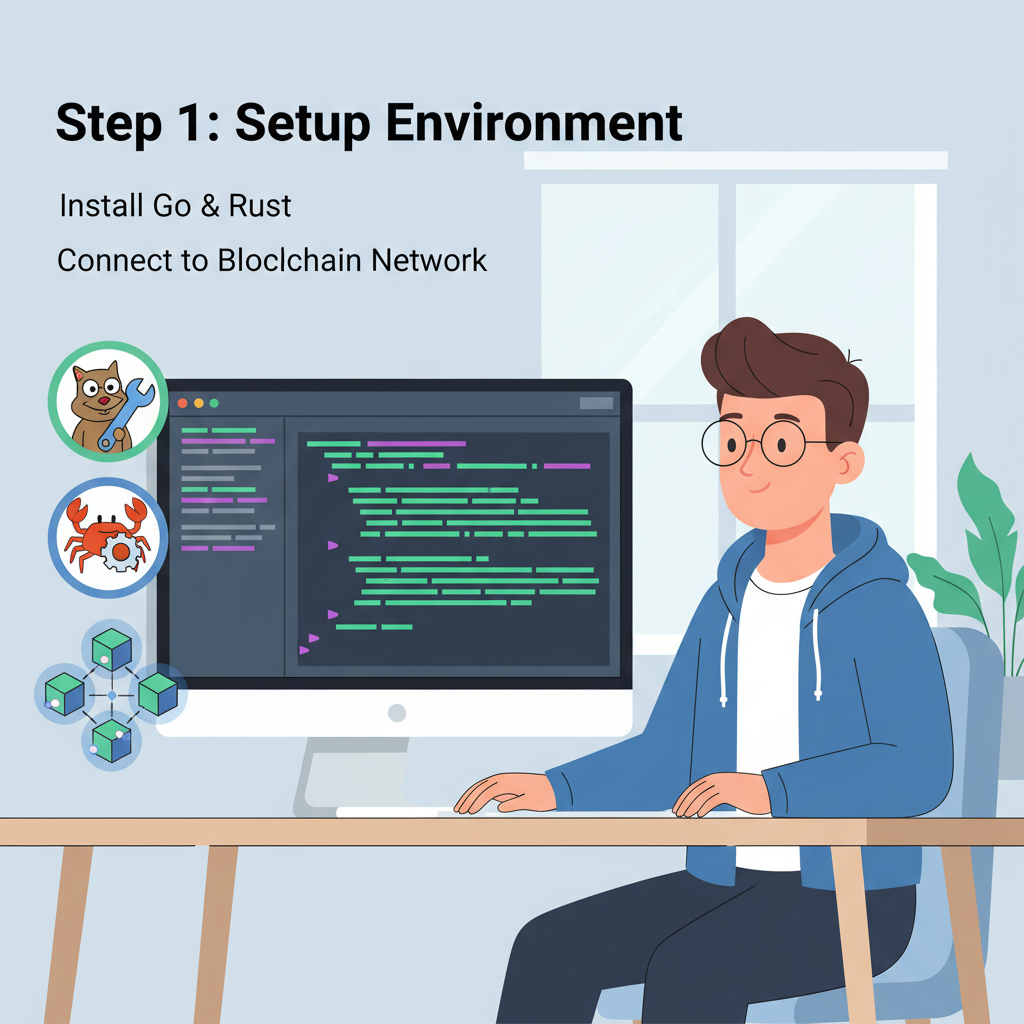
Before diving into code, solidify your setup. Start with Rust and Solana CLI for Eclipse compatibility, plus Celestia node binaries. Install Conduit's toolkit via their latest 2026 release; it bundles Rollkit influences for modular flexibility. Secure an Ethereum wallet for settlement and fund it with testnet TIA for Celestia devnets.
Hardware matters: aim for 16GB RAM, SSD storage, and stable internet exceeding 100Mbps to manage Fibre's demands. Clone the Eclipse monorepo, Conduit's Celestia branch, and Celestia's docs repo. Run a local Celestia devnet with celestia-app start --home devnet to simulate DA posting. Verify IBC relayers for cross-chain tests.
Optimize early: configure blob sizes under 0.5MB per block and enable parallel EIP-4844 encoding. Test on devnets to benchmark against mainnet projections; expect 2-3x bandwidth uplift. Tools like Celestia's dashboard help monitor sampling success rates. With this foundation, you're primed for the eclipse conduit tutorial steps ahead.
Next, we'll configure your Eclipse chain spec, integrate Conduit's sequencer, and deploy to Celestia testnets, ensuring a smooth path to production.
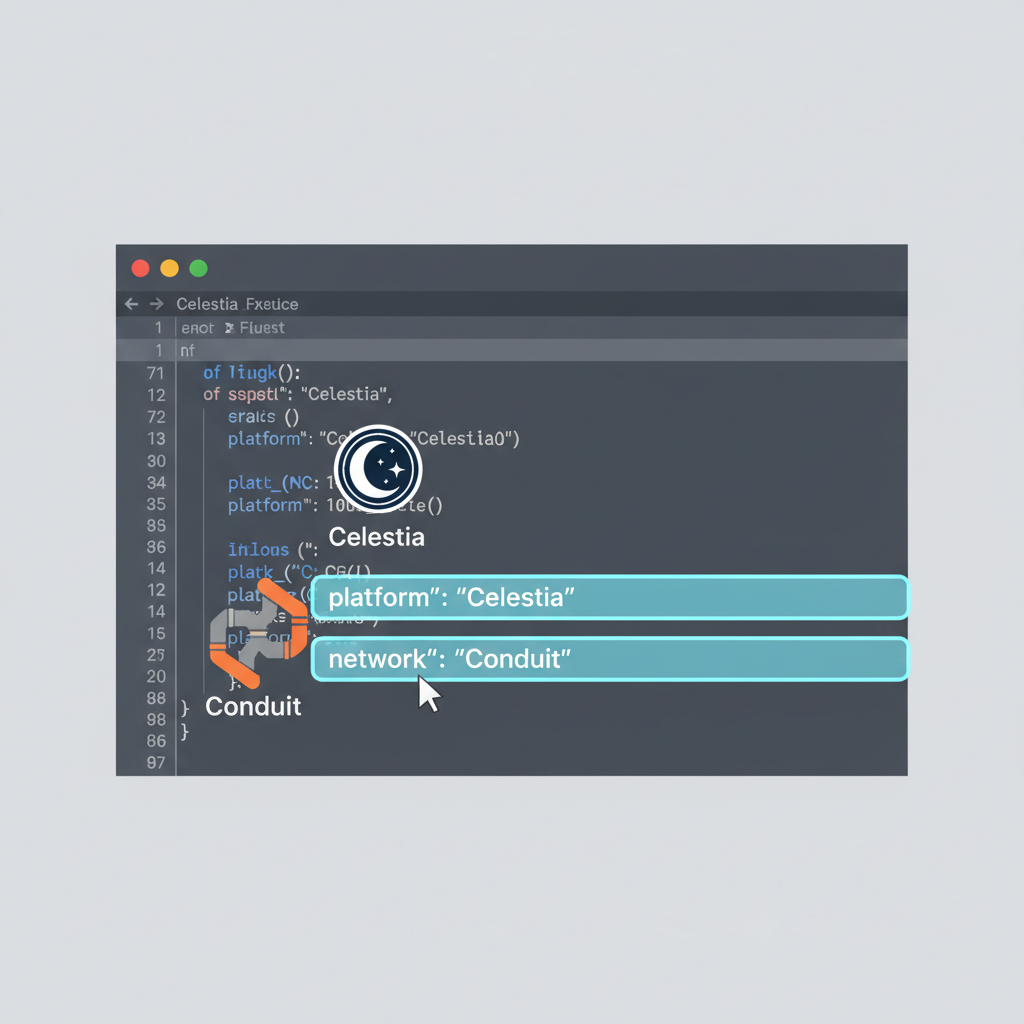
Configuring the Eclipse chain spec kicks off the hands-on phase, bridging your app logic with Celestia's DA and Conduit's orchestration. Begin by editing the chain. toml in your Eclipse monorepo, specifying Celestia as the DA provider and Conduit for sequencing. Set namespace_id to a unique 10-byte prefix for your rollup's data isolation, crucial for avoiding collisions in Celestia's shared space. Tune blob_size_limit to 0.4MB initially, balancing cost and Fibre compatibility.
Example `chain.toml` for Eclipse with Celestia DA and Conduit Sequencer
To deploy an Eclipse rollup using Celestia for data availability and Conduit for sequencer duties, start by configuring your `chain.toml` file. This example provides a complete setup for a local testnet environment, integrating Celestia's modular DA layer with Conduit's efficient sequencer.
```toml
# chain.toml - Example Eclipse chain configuration
# for Celestia Data Availability (DA) with Conduit sequencer integration

[chain]
# Chain identifier and RPC settings
id = "eclipse-local"
name = "Eclipse Local Testnet"
rpc_addr = "0.0.0.0:26657"
grpc_addr = "0.0.0.0:9090"
p2p_addr = "tcp://0.0.0.0:26656"

[rpc]
# CORS settings for RPC access
cors_allowed_origins = ["*"]

[celestia]
# Celestia DA configuration
enabled = true
network = "testnet"
namespace = "eclipse1"
rpc_endpoint = "https://rpc-celestia-testnet.polkachu.com"
gateway_endpoint = "https://gateway-testnet.polkachu.com"
max_datablob_size = 1048576  # 1MB

[sequencer]
# Conduit sequencer integration
type = "conduit"
conduit_rpc = "http://localhost:3000"
conduit_ws = "ws://localhost:3001"
auth_token = "your-conduit-auth-token-here"
batch_size = 100
max_batch_delay = "500ms"

[prover]
# Optional prover settings (if using proofs)
enabled = false
```
Customize the endpoints, tokens, and parameters based on your specific Celestia network (e.g., mainnet or testnet) and Conduit deployment. Place this file in your Eclipse chain's config directory and restart the node to apply changes. Verify integration by checking DA submissions on Celestia's explorer and sequencer logs for batch confirmations.
This config leverages Eclipse's Sealevel VM for parallel tx processing while piping batches to Conduit's sequencer endpoint. I've advised teams who overlooked namespace uniqueness, leading to data orphaning; double-check with Celestia's namespace scanner tool before proceeding. Next, spin up Conduit's sequencer by running its Helm charts on a Kubernetes cluster tuned for 2026's Fibre bandwidth. Link it via environment vars: CELESTIA_DA_RPC=celestia-devnet. rpc and SEQUENCER_AUTH_TOKEN=your_conduit_token.
Seamless Deployment Workflow
With specs aligned, deployment unfolds methodically. Conduit's RaaS shines here, abstracting node management so you issue a single conduit deploy eclipse --da celestia --vm solana command. It provisions provers, sequencers, and DA posters automatically, settling proofs on Ethereum L1. Testnets like Celestia's Arabica remain ideal for validation, where you simulate 10k TPS loads to verify Fibre sampling.
Deploy Eclipse Rollup on Celestia Testnet with Conduit: 2026 Guide
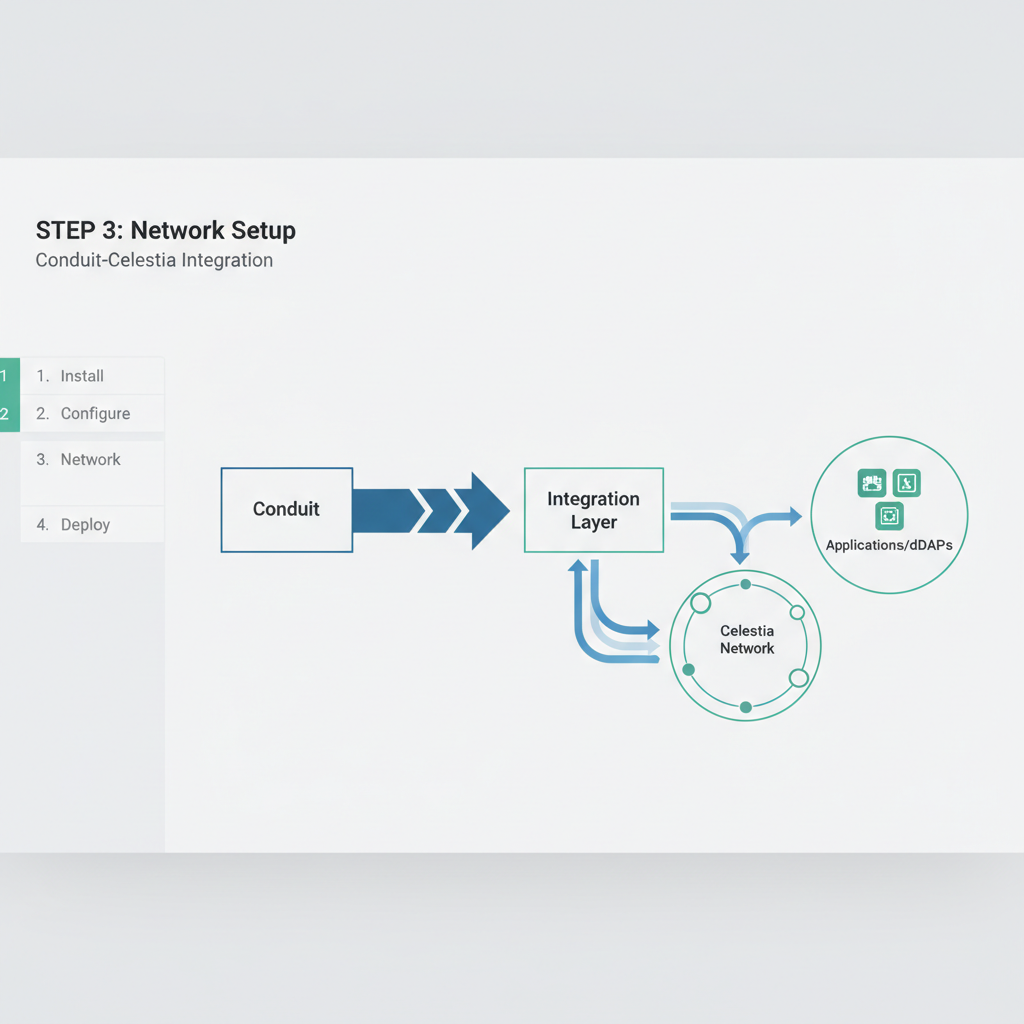
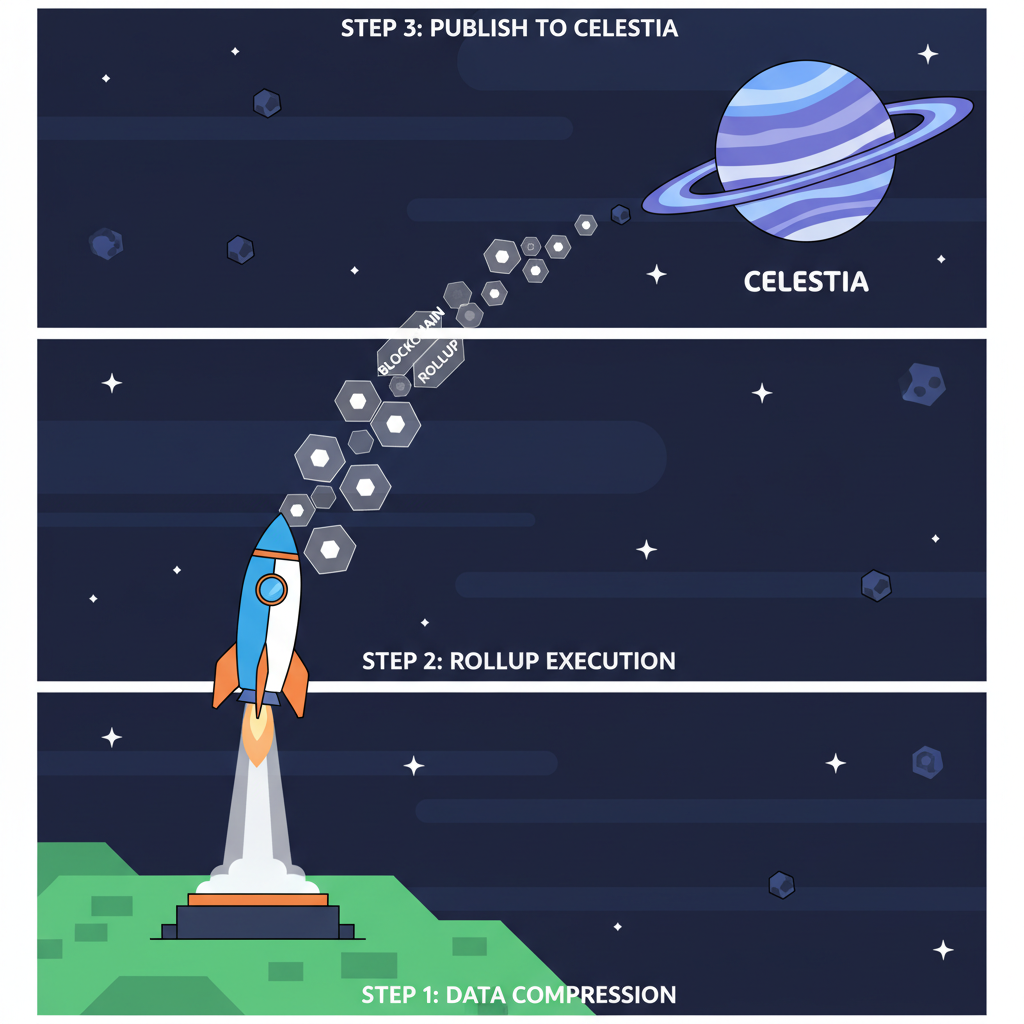
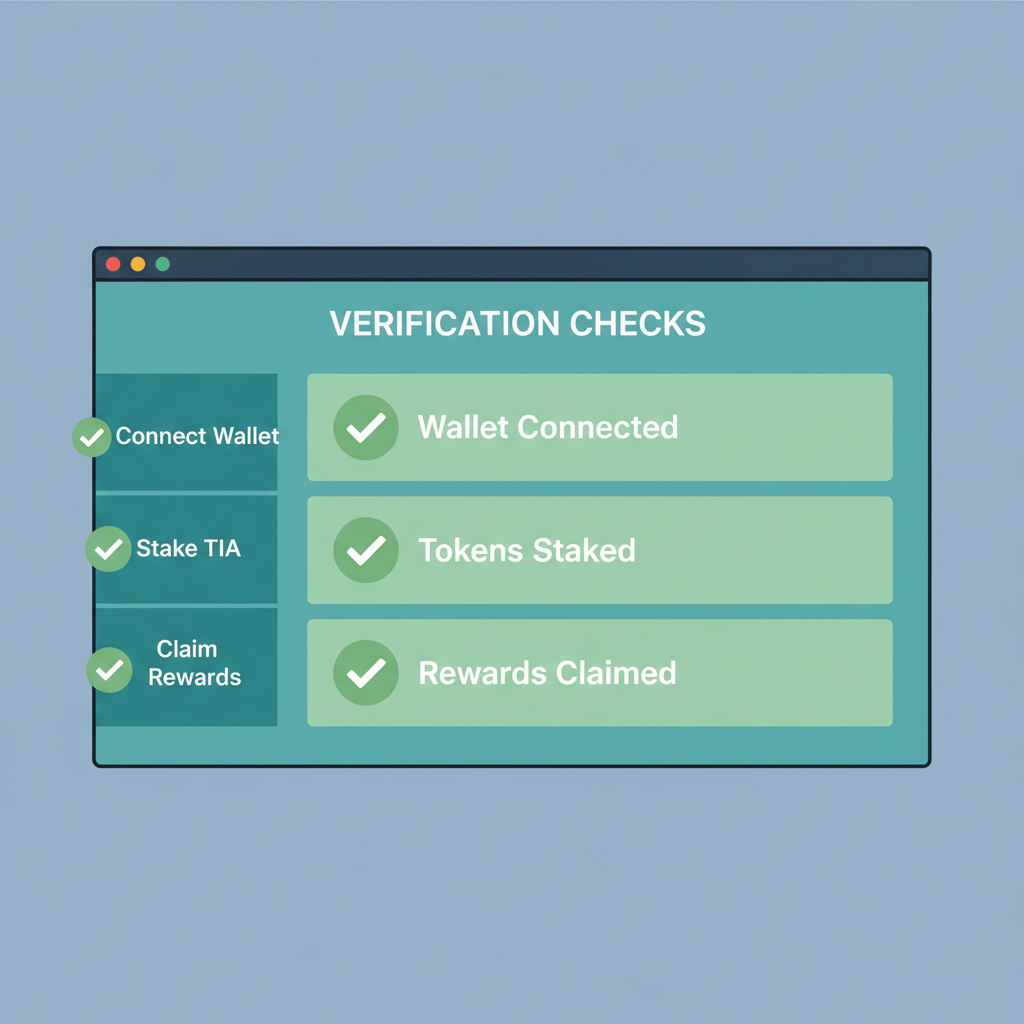
Post-deployment, monitor via Conduit's dashboard for batch inclusion rates and Celestia's explorer for DA attestation. Parallel encoding via Rust crates shaves 30% off latency; integrate it early. For production, migrate to mainnet after 72 hours of devnet stability, scaling blobs dynamically with usage. Projects like Aevo exemplify this: their order matching engine now hums at sub-second finality on Fibre, a feat unattainable on Ethereum alone.
Optimization separates solid deployments from elite ones. Employ Celestia's light node sampling aggressively; with 500 nodes, bandwidth spikes demand CDNs for data retrieval. Conduit's 2026 updates include auto-scaling sequencers, responding to TPS surges without manual intervention. Benchmark against baselines: expect 80% DA cost drops versus Ethereum blobs, per Lyra's metrics. In my portfolio work, I've weighted heavily toward Celestia-integrated rollups for their asymmetric risk-reward, especially as modular adoption surges.
Navigating Common Pitfalls and Pro Tips
Fibre's demands catch newcomers off-guard; provision 200Mbps uplinks minimum and test IBC relayers thoroughly for Solana-Ethereum bridges. If sampling fails, dial back blob payloads incrementally. Conduit's logs reveal sequencer backlogs early, averting outages. For conduit celestia integration, enable IBC hooks in Eclipse for seamless cross-rollup liquidity, unlocking DeFi composability.
This stack's maturity in 2026 empowers deploy eclipse rollup dreams into reality, fostering ecosystems where Solana devs thrive on Ethereum security. Dive into devnets today, iterate relentlessly, and watch your app scale effortlessly. The modular future rewards the prepared.




No comments yet. Be the first to share your thoughts!