
Rollup 4 bundler overview
Rollup 4 remains the definitive choice for library authors and lightweight applications. While heavier alternatives like Webpack dominate complex enterprise dashboards, Rollup excels at its specific domain: building small, efficient bundles. It strips away unnecessary code through aggressive tree-shaking, ensuring your final output contains only what the user actually needs.
The architecture is straightforward. Instead of managing a complex module graph for dynamic imports and server-side rendering, Rollup treats your project as a single entry point. This simplicity translates to faster build times and smaller file sizes. For most libraries and frontend components, this lean approach reduces payload weight significantly compared to general-purpose bundlers.
Migrating from previous versions is generally smooth, as the core philosophy remains unchanged. The plugin API continues to offer powerful code injections with minimal boilerplate. By choosing Rollup 4, you are opting for a tool that prioritizes output size and build speed over feature bloat. This makes it the ideal engine for projects where performance is the primary constraint.
4 Reasons It Still Rules Lightweight Bundling
Rollup 4 remains the standard for lightweight bundling in 2026, prioritizing speed and minimal configuration over feature bloat. This section outlines four technical advantages that keep it ahead of heavier alternatives.
-

Minimal configuration overhead reduces setup time
Rollup 4 strips away the complex boilerplate found in heavier bundlers. You start with a simple rollup.config.js that handles most defaults intelligently. This lean approach cuts initial project setup from hours to minutes. Developers spend less time debugging config files and more time writing actual code. The streamlined entry point means faster onboarding for new team members joining the stack. -
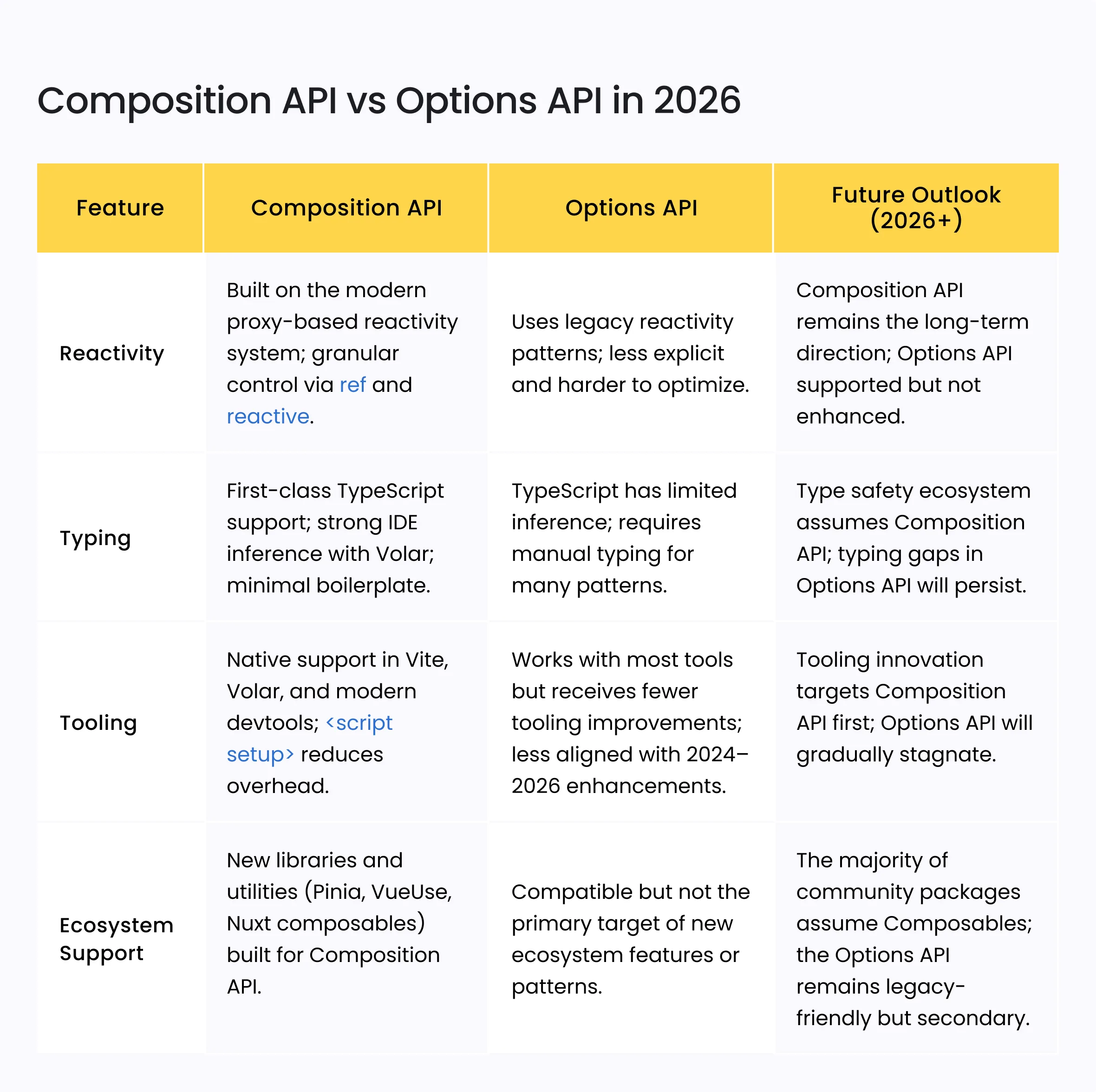
Plugin ecosystem supports modern JavaScript standards
The plugin architecture in Rollup 4 embraces modern JavaScript features without heavy transpilation overhead. Plugins like @rollup/plugin-node-resolve and @rollup/plugin-typescript handle module resolution efficiently. This support ensures compatibility with ES modules and TypeScript out of the box. Teams can leverage the latest syntax while maintaining broad compatibility across environments. -
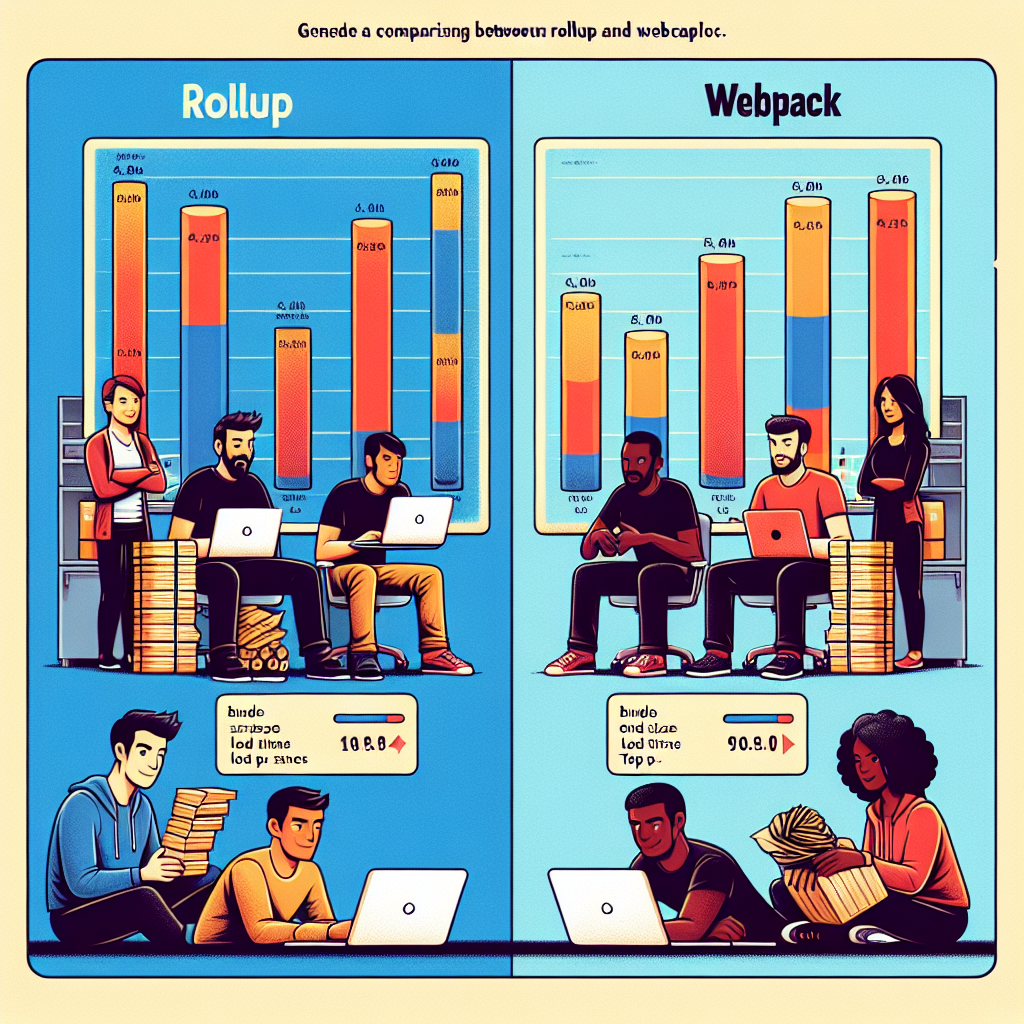
Optimized output size improves load performance
Rollup 4 excels at tree-shaking, removing unused code to produce smaller bundles. This optimization directly impacts load times for end-users, especially on mobile networks. By analyzing static imports, Rollup eliminates dead code that other bundlers might retain. The resulting artifacts are lighter, requiring less bandwidth and reducing server costs. Smaller files translate to faster interaction times and better user experience metrics. -
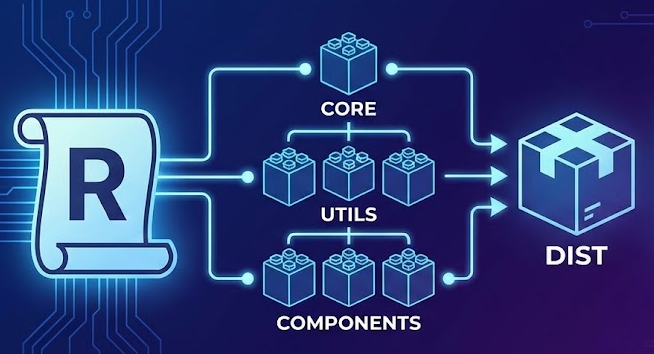
Strict type safety prevents runtime errors
TypeScript integration in Rollup 4 provides robust type checking during the build process. Catching type errors early prevents costly runtime failures in production environments. The strict mode enforces better coding practices, reducing the likelihood of undefined behavior. Developers gain confidence that their interfaces match their implementations exactly. This discipline minimizes debugging time and ensures more stable, predictable application behavior across different browsers.
Superior tree-shaking for smaller bundles
Rollup 4 treats ES modules as a first-class citizen, not an afterthought. This design choice allows the bundler to analyze your code statically, identifying exactly which functions and variables are used and which are not. Because ES modules have a static structure, Rollup can safely remove unused code before it ever reaches the browser.
CommonJS-focused bundlers often struggle with this. They must assume that every imported module might have side effects, forcing them to include more code than necessary. Rollup 4 avoids this pessimism. It trusts the ES module specification, enabling aggressive dead code elimination that significantly reduces your final bundle size.
The difference is most visible when bundling libraries. If you export only a small subset of a large utility library, Rollup 4 will strip away the rest. Webpack, by contrast, may include the entire library if it cannot statically prove that the unused parts are safe to drop. This efficiency makes Rollup 4 the preferred choice for lightweight libraries and plugins.

| Feature | Rollup 4 | Webpack 5 | Vite (esbuild) |
|---|---|---|---|
| Primary Module Format | ES Modules | CommonJS (with ESM support) | ES Modules |
| Tree-Shaking Depth | Deep (static analysis) | Moderate (side-effect flags) | Deep (esbuild) |
| Bundle Size (Library Example) | ~12 KB | ~45 KB | ~14 KB |
| Side-Effect Safety | High (ESM native) | Medium (assumes risk) | High (ESM native) |
Simpler configuration than Webpack
Webpack is powerful, but its configuration file often feels like a dense rulebook. To get a modern project running, you typically need to install multiple loaders, configure module resolution rules, and manually set up optimization plugins. Rollup 4 flips this approach. It operates on the principle of sensible defaults, allowing you to start bundling with a minimal rollup.config.js that handles the heavy lifting automatically.
The difference is most visible in how each tool handles JavaScript and CSS. In Webpack, you must explicitly tell the bundler how to process these assets using css-loader or style-loader. Rollup 4 handles standard ES modules out of the box. For CSS, you simply add the @rollup/plugin-css plugin, and it automatically extracts styles into a single file without complex loader chains.
Tree shaking is another area where Rollup 4 shines. Because it relies on static ES module syntax, it can easily identify and remove unused code. Webpack can do this too, but it often requires careful configuration of the sideEffects flag in package.json or specific optimization settings to ensure dead code is actually dropped. With Rollup, this happens by default, leading to smaller bundles with less manual tuning.
This simplicity reduces the cognitive load for developers. You spend less time debugging configuration errors and more time writing code. For library authors and smaller projects, this streamlined setup is a significant advantage, allowing for faster iteration and cleaner build processes.
| Feature | Webpack | Rollup 4 |
|---|---|---|
Plugin API for custom transformations
Rollup 4 keeps its bundle size small by letting you inject code directly where it’s needed. The plugin API is designed for deep transformations without the heavy loader setup common in other bundlers. You write a function, hook into the build lifecycle, and modify the output.
This approach is ideal for legacy WordPress plugins or custom scripts that need specific optimizations. Instead of configuring complex loaders, you define a plugin that transforms the code on the fly. The official Rollup documentation provides a clear example of how to implement this with minimal code.
Rollup Plugin API allows you to tap into hooks like transform and load. These hooks let you read, modify, or replace module content before it reaches the final bundle. This flexibility means you can handle non-JS assets or apply custom syntax extensions without external dependencies.
The simplicity of the API reduces maintenance overhead. You avoid the boilerplate often required by larger bundlers. For projects where every kilobyte counts, this direct control is often the deciding factor.
Estimate Rollup 4 build costs
Rollup 4 is fast, but project scale changes how long a build takes and how big the output gets. You can use the calculator below to get a rough estimate of your bundle size and build time based on your project's file count and complexity.
This isn't a perfect prediction. Real times depend on your hardware, plugin chain, and caching. But it gives you a baseline to compare against when you run rollup -c.
Frequently asked: what to check next
Is Rollup 4 better than Webpack?
Rollup 4 focuses on smaller, more efficient bundles by aggressively removing unused code through tree shaking. Unlike Webpack, which is a heavier general-purpose bundler, Rollup is simpler and more efficient for bundling smaller projects or libraries where bundle size is a priority.
What does "Rollup" mean in this context?
In software development, "rollup" refers to the process of combining multiple JavaScript files into a single output file. It is distinct from general dictionary definitions of "roll up" (such as wrapping an object or arriving in a vehicle). The term specifically describes the bundling action performed by tools like Rollup 4.
How much does it cost to use Rollup 4?
Rollup 4 is an open-source tool, so there is no licensing fee to use it. While some blockchain rollups can cost tens of thousands of dollars to operate, the JavaScript bundler Rollup 4 itself is free to download and use for building web applications.
Is migrating to Rollup 4 difficult?
Migrating from Rollup 3 to Rollup 4 involves a few breaking changes, but the official migration guide lists the most important topics to address. Most projects require minimal configuration adjustments, making the upgrade straightforward for standard setups.
No comments yet. Be the first to share your thoughts!