
4 Rollup 4 vs Vite 6: Why Frameworks Still Choose Rollup
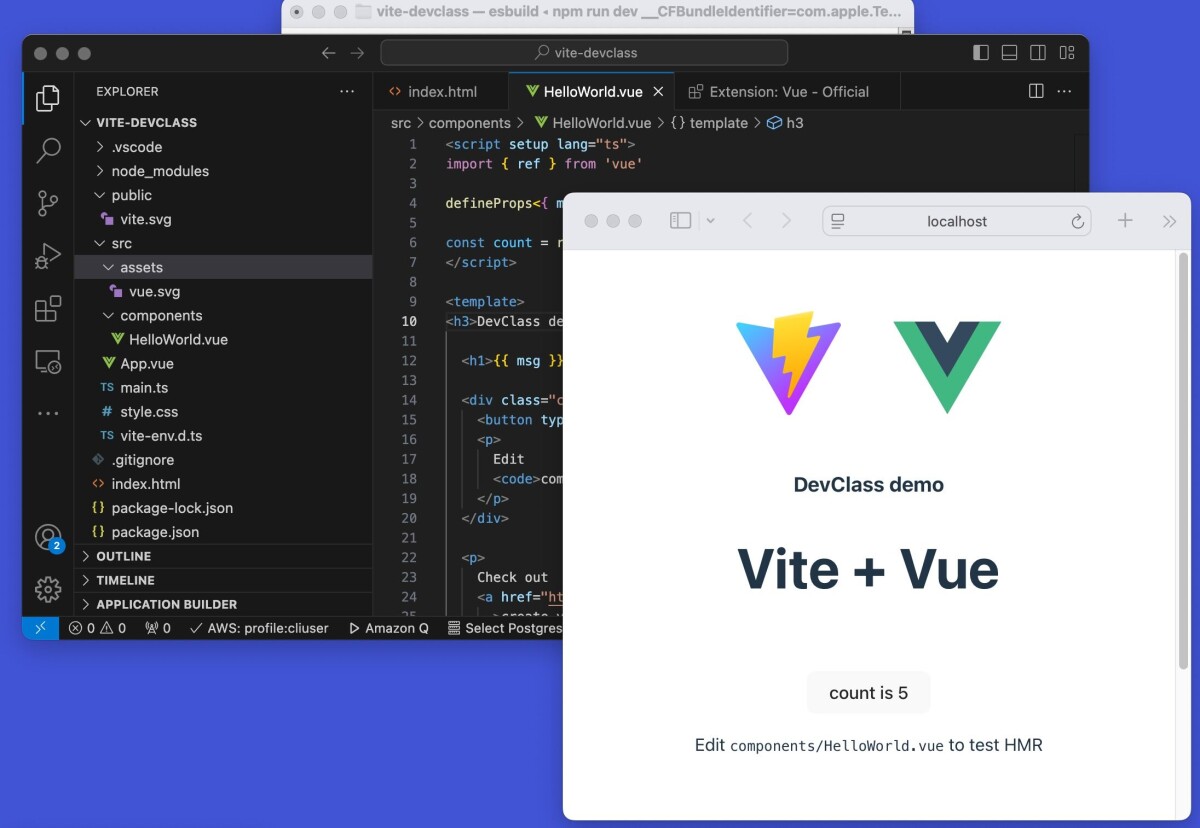
While Vite 6 dominates the developer experience with its instant server start, Rollup 4 remains the critical backbone for production builds in major frameworks. This section compares their architectural differences to explain why Rollup 4 is still the preferred choice for library authors requiring granular control over output formats and tree-shaking.
-
Rollup 4 plugin ecosystem maturity
Rollup 4 benefits from a mature plugin ecosystem that frameworks rely on for complex bundling tasks. Unlike Vite, which often requires runtime transformations, Rollup allows deep static analysis during build time. This maturity means fewer edge-case bugs when integrating specialized loaders or code generators. Framework authors trust this stability because the plugins have been battle-tested across thousands of production builds, ensuring consistent output regardless of the underlying project structure. -
Vite 6 HMR performance limits
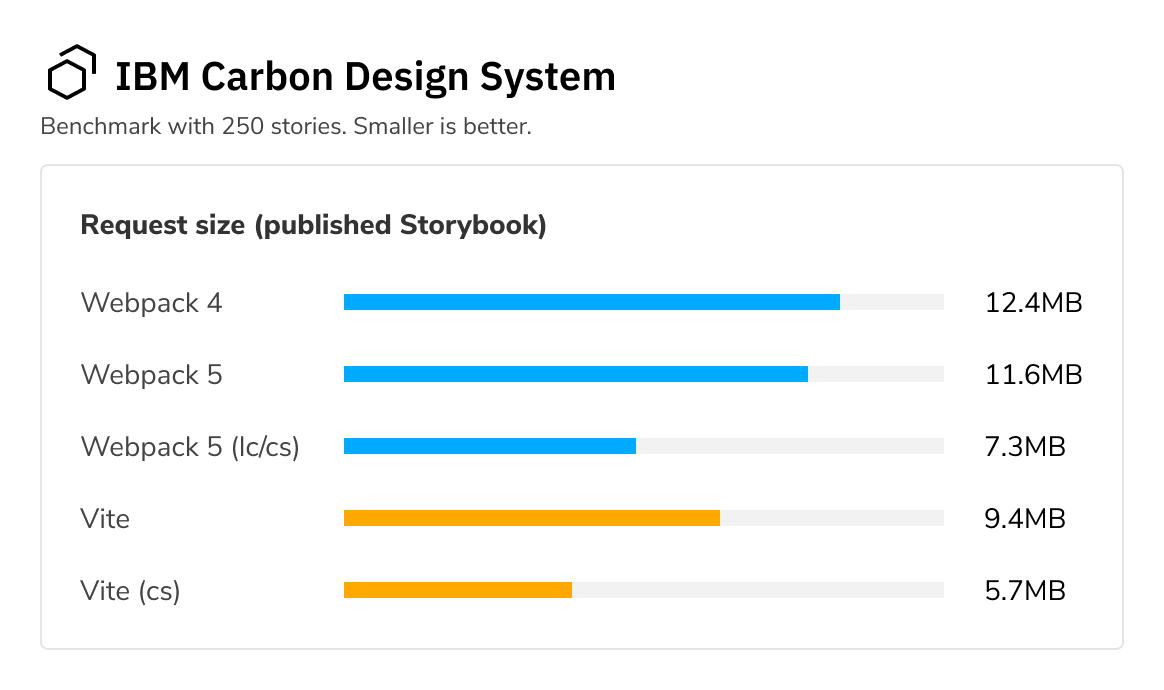
Vite 6 improves Hot Module Replacement speed, but it still struggles with large-scale framework updates. When changing core framework files, the browser must reload the entire module graph, causing noticeable delays. Rollup bypasses this by producing final bundles that don’t require runtime patching. For frameworks with thousands of internal modules, this HMR bottleneck becomes a significant developer experience friction point that Rollup’s pre-bundled approach avoids entirely. -
Rollup 4 advanced tree shaking
Rollup 4 employs advanced tree-shaking algorithms that eliminate unused code more aggressively than Vite’s default settings. It analyzes side-effect-free modules and removes dead code even when imports are dynamically generated. This precision reduces bundle size significantly for library authors who need minimal footprints. Vite’s reliance on esbuild can sometimes preserve unnecessary code paths, whereas Rollup’s thorough static analysis ensures only the exact required functions reach the final output. -
Framework build stability requirements
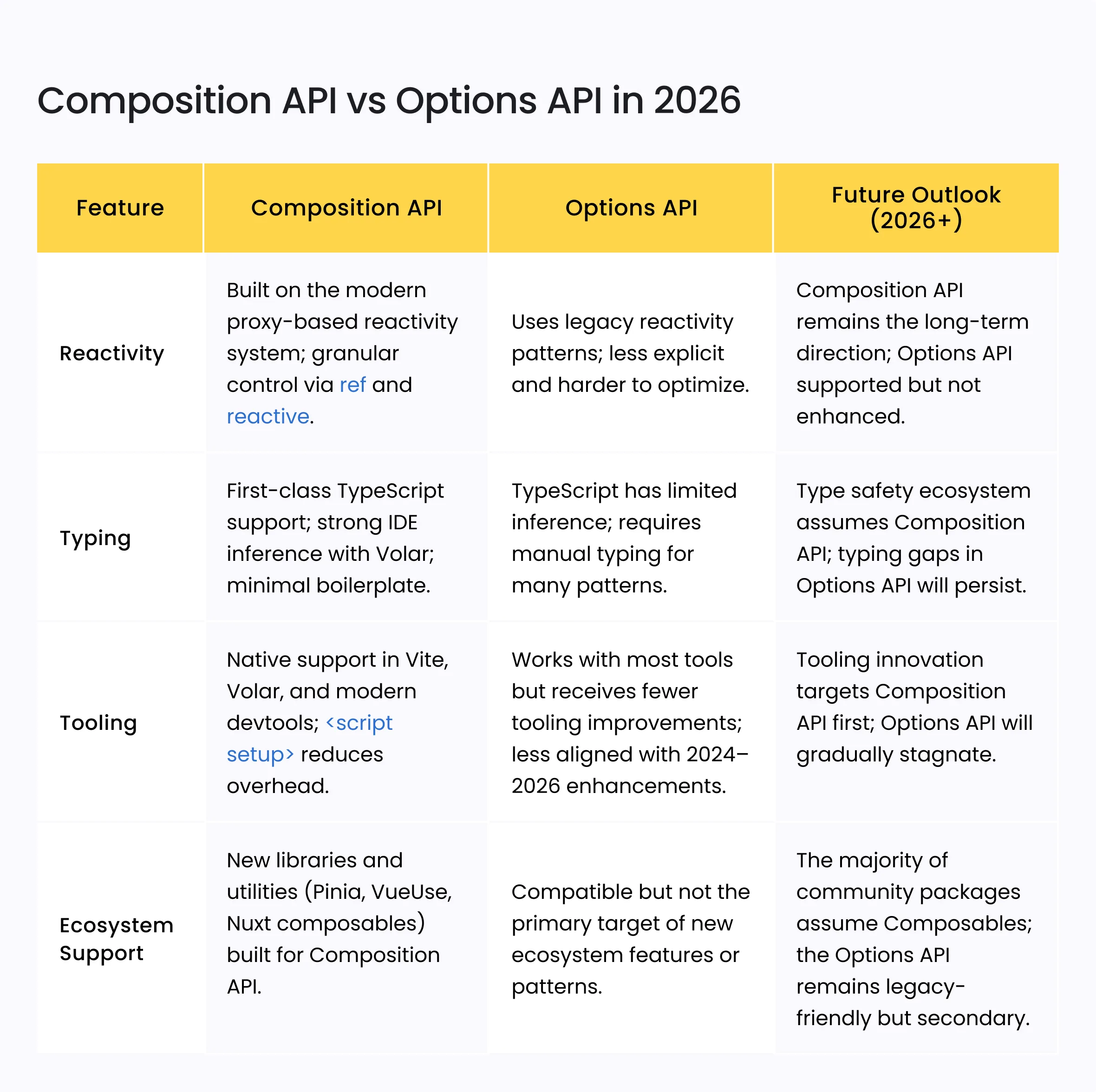
Framework authors prioritize build stability over developer convenience, making Rollup the safer choice for production releases. Rollup’s deterministic output ensures that builds are reproducible across different environments and Node versions. Vite’s dynamic nature can introduce subtle variations in module resolution or plugin execution order. For critical infrastructure like React or Vue, this predictability is non-negotiable, as any build inconsistency can lead to runtime errors in user applications.
The bundler behind Vite
It is a common misconception that Vite and Rollup are competing tools. In reality, they serve different stages of the same workflow. Vite is a development server and build tool that prioritizes speed during coding, while Rollup is the engine that handles the heavy lifting for production.
When you run vite build, Vite delegates the production bundling task to Rollup. This means Vite is not replacing Rollup; it is integrating it. Vite uses Rollup’s mature ecosystem for tree-shaking, code splitting, and generating optimized output formats like ES modules and CommonJS. This partnership allows developers to enjoy Vite’s instant hot module replacement (HMR) during development without sacrificing the robust optimization capabilities of Rollup in production.
This complementary relationship explains why many frameworks still rely on Rollup. Even when using Vite for development, the underlying production build process remains rooted in Rollup’s architecture. Understanding this distinction is crucial for developers who need to configure plugins or troubleshoot build outputs, as many Rollup-specific configurations still apply within the Vite ecosystem.
Rollup 4 migration highlights
Rollup 4 marks a significant shift in how the bundler handles configuration and plugin architecture. For library authors using Vite 6, understanding these changes is essential because Vite relies heavily on Rollup for production builds. The migration from Rollup 3 to 4 removes several legacy options and enforces stricter module resolution, which can break existing workflows if not addressed.
The most visible change is the removal of the output.manualChunks function signature. In previous versions, this function received the module ID as a string. Rollup 4 now passes a Module object, providing access to additional metadata like the module's ID, resolved ID, and module type. This allows for more sophisticated chunking strategies based on module characteristics rather than just file paths.
Plugin authors must also update their hook signatures. The resolveId hook now receives an options object that includes isEntry and read properties. This change simplifies how plugins handle entry points and file reading, reducing the need for complex internal state management. Additionally, the load hook has been updated to support async loading more naturally, aligning with modern JavaScript patterns.
Configuration options like output.preserveModules and output.preserveEntrySignatures have been refined to provide more predictable behavior. These changes ensure that library builds are more consistent across different environments, which is critical for frameworks that need to support both development and production builds.
Tree shaking and output formats
Rollup 4 and Vite 6 approach bundling with different philosophies, particularly when it comes to removing unused code and generating final bundles. While Vite 6 leverages esbuild for lightning-fast development builds, Rollup 4 remains the gold standard for production optimization, offering granular control over how your code is shipped to the browser.
Precision tree shaking
Tree shaking in Rollup 4 is static and thorough. Because Rollup analyzes the entire dependency graph at build time, it can reliably identify and eliminate dead code that is never imported. This process is deterministic; if a function isn't used, it doesn't appear in the bundle. Rollup 4 has refined this further, handling complex side-effect declarations more accurately than previous versions, which minimizes the risk of accidentally stripping code that relies on global mutations.
Vite 6, by contrast, uses esbuild for its development server and can use Rollup for production builds. When Vite uses esbuild for production, tree shaking is fast but less precise. Esbuild relies on heuristics to remove unused exports, which works well for most libraries but can occasionally leave behind small amounts of dead code or struggle with complex side-effect scenarios. For frameworks that prioritize bundle size above all else, Rollup's static analysis is often the safer bet.
Multi-format output flexibility
One of Rollup 4's strongest advantages is its ability to output to multiple formats from a single source. It natively supports ES modules (ESM), CommonJS (CJS), UMD, and SystemJS. This makes it ideal for libraries that need to serve both modern browsers and legacy Node.js environments. You can configure Rollup to emit a single bundle with multiple formats or split them into separate files, ensuring maximum compatibility without manual conversion steps.
Vite 6 is primarily designed for web applications, so its default output is optimized for ESM. While it can be configured to output other formats, it requires additional plugins and configuration. For framework authors who need to distribute code to diverse environments, Rollup's built-in multi-format support reduces the friction of maintaining multiple build configurations.
| Feature | Rollup 4 | Vite 6 | Note |
|---|
Setting up Rollup 4 for libraries
Rollup 4 is the industry standard for bundling UI libraries because it eliminates dead code and produces clean, framework-agnostic output. Unlike Vite, which is optimized for rapid development, Rollup focuses on the final bundle size and tree-shaking capabilities that developers need when distributing components.
Start by installing rollup and @rollup/plugin-node-resolve as dev dependencies. Your rollup.config.js should define an input pointing to your entry file, typically src/index.ts. Use the esm and cjs output formats to support both modern module systems and legacy bundlers. This dual-format approach ensures your library works whether the consumer uses Vite, Webpack, or another tool.
Add @rollup/plugin-typescript to handle TypeScript compilation efficiently. Configure it with tsconfig options to ensure type checking occurs during the build process, not just in your editor. This setup prevents runtime errors caused by type mismatches in the published package.
For CSS handling, use rollup-plugin-postcss to inline or extract styles. Since UI libraries often include their own styling, keeping CSS bundled with the JavaScript reduces the number of network requests for consumers. Keep the configuration minimal to avoid bloating the build script.
The official documentation provides detailed examples for these configurations. Refer to it when adding plugins for code splitting or dynamic imports. Avoid over-engineering the initial setup; start with the basics and add complexity only when your library’s requirements demand it.
No comments yet. Be the first to share your thoughts!