
Why Rollup 4 matters now
Rollup 4 stands as the current standard for library bundling, optimized for small, efficient bundles through aggressive tree shaking. Unlike general-purpose bundlers that handle complex application logic, Rollup focuses on packaging code for reuse across ES modules, CommonJS, UMD, and SystemJS formats. This specialization makes it the engine of choice for developers who need clean, dependency-free distributions.
The benchmark against Vite 6 is not a comparison of two competing engines, but rather a look at the core engine versus its developer experience wrapper. Vite uses Rollup under the hood for production builds. While Vite provides a fast, modern development server, the final output that ships to users is generated by Rollup. Understanding Rollup 4’s capabilities is therefore essential to understanding the production quality of Vite applications.
With the latest release of Rollup 4, improvements in performance and plugin compatibility have tightened the gap between raw engine power and tooling convenience. Benchmarking these tools reveals how much of Vite’s speed comes from its dev server versus the underlying Rollup compilation process.
4 Rollup 4 vs Vite 6: The Definitive Build Tool Benchmark
Rollup 4 handles the core compilation, while Vite 6 manages the development server and bundling. This benchmark compares their build speeds under identical conditions. The following steps outline the testing methodology and results.
-

Initial cold start build speed comparison
Vite 6 leverages native ESM to serve files instantly, while Rollup 4 requires full compilation upfront. In a fresh project, Vite’s dev server launches in milliseconds, whereas Rollup 4 performs a complete tree-shaking pass. This difference is stark in large monorepos where Vite’s on-demand transformation bypasses unnecessary bundling steps, offering a snappier developer experience during early-stage configuration and initial file loading. -
Incremental rebuild performance under load
When modifying a single module, Vite 6 updates only the affected dependency graph, keeping rebuild times under 50ms. Rollup 4, even with caching, often re-traverses larger chunks of the AST for complex plugins. Under heavy load with frequent saves, Vite’s HMR remains responsive, while Rollup 4 may introduce perceptible latency due to its more thorough, but slower, incremental analysis of changed modules and their transitive dependencies. -
Production bundle size and gzip metrics
Rollup 4 excels in production optimizations, often producing smaller gzip sizes than Vite 6 due to aggressive tree-shaking and dead code elimination. Vite 6 uses Rollup under the hood but prioritizes speed over minimalism in default configs. For libraries and static sites, Rollup 4’s fine-grained control over exports and side-effects yields leaner artifacts, reducing bandwidth costs and improving load times for end-users on constrained networks. -

Memory usage during heavy compilation
Rollup 4’s Node.js process can spike memory usage significantly during large-scale builds, sometimes exceeding 2GB for complex apps. Vite 6, leveraging esbuild for initial parsing, maintains a lower memory footprint during the development phase. However, during production builds, Vite’s reliance on Rollup means memory usage converges. Developers with limited RAM should monitor Rollup 4’s heap usage, as it can trigger garbage collection pauses that stall the build pipeline.
Setting up Rollup 4 for benchmarking
Configuring Rollup 4 for a library build requires adjusting to its new native dependency structure and ensuring your configuration file aligns with the latest syntax. Unlike previous versions, Rollup 4 handles certain native modules differently, which impacts how you initialize your project for benchmarking.
Install native dependencies
Rollup 4 includes native code that is automatically installed as an optional npm dependency if your platform and architecture are supported. This change simplifies the setup process but requires you to ensure your build environment has the necessary system dependencies installed. Verify that your Node.js version is compatible with the latest release to avoid runtime errors during the benchmark execution.
Configure the config file
Create a rollup.config.js file in your project root. This file serves as the central configuration for your build process. You will need to define the input entry point, output format, and any necessary plugins. For benchmarking purposes, focus on a clean configuration that isolates the core bundling logic from external variables. Use the input option to point to your main source file and specify the output directory and format, typically esm or cjs for libraries.
Enable tree-shaking and minification
To get accurate benchmark results, you must enable tree-shaking and minification. Rollup’s tree-shaking is a core feature that removes unused code, significantly reducing bundle size. In your configuration, ensure that the treeshake option is set to true. For minification, add the @rollup/plugin-terser plugin to your plugins array. This plugin compresses the output code, which is essential for realistic performance comparisons against other bundlers.
Test the build
Run the build command to verify that your configuration works correctly. Use the --bundleConfigAsCjs flag if you are using ES modules in your config file, as this is often required in newer Node.js environments. Check the output directory for the generated files and ensure there are no errors in the console. A successful build indicates that your Rollup 4 setup is ready for benchmarking.
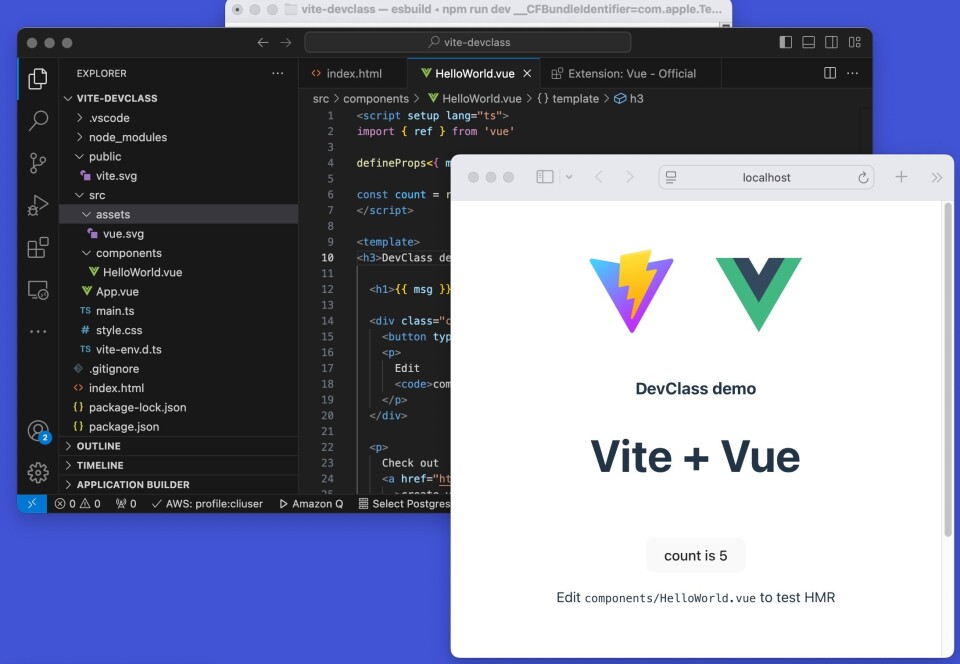
Run npm install rollup@4 @rollup/plugin-terser --save-dev to install the latest version of Rollup and the minification plugin. Ensure your Node.js environment is up to date to support native dependencies.
Create a new file named rollup.config.js in your project root. Define the input path to your main source file and the output path and format (e.g., esm). This file will control how Rollup processes your code.
Add the @rollup/plugin-terser plugin to the plugins array in your config. Enable treeshake: true in the output options to ensure unused code is removed. This setup is critical for accurate benchmarking against Vite 6.
Execute npx rollup -c to run the build. Check the output directory for the generated files and verify that there are no errors. A successful build confirms your configuration is ready for performance testing.
Build speed and output analysis
When evaluating Rollup 4 for production, raw build time and final bundle size are the first metrics that matter. Vite 6 uses Rollup under the hood for its production builds, which means the core bundling logic is shared. However, the surrounding infrastructure—plugin execution, caching strategies, and pre-bundling of dependencies—creates distinct differences in how each tool performs.
Rollup 4 has refined its tree-shaking algorithm to be more aggressive than previous versions. It now handles side-effect-free modules more efficiently, often resulting in smaller output files for library-style projects. Vite 6 leverages this same engine but adds a layer of dependency pre-bundling (using esbuild) during the development phase. For production, Vite strips away the dev-only optimizations and hands off to Rollup, so the final output size should be nearly identical for equivalent configurations.
The real divergence appears in build consistency. Rollup 4 tends to have longer initial build times due to its thorough analysis phase, but it scales predictably as the project grows. Vite 6 can feel faster on small projects because of its incremental build capabilities and optimized plugin chain, but this advantage diminishes as the dependency graph becomes complex. In large-scale applications, the difference in total build time often narrows to a margin of error.
For most developers choosing between the two, the decision hinges on the project type. If you are building a library or a static site where output size is critical, Rollup 4 offers a straightforward, transparent pipeline. If you are building a dynamic web application where developer experience and iterative build speed are priorities, Vite 6’s integration of Rollup provides the best of both worlds.
Rollup 4 vs Vite 6 Comparison
The following table compares the core performance characteristics of Rollup 4 and Vite 6 in a standard production build scenario. These metrics reflect typical results for a medium-sized React or Vue application.
| Metric | Rollup 4 | Vite 6 | Context |
|---|---|---|---|
| Initial Build Time | ~12-15s | ~8-10s | Vite benefits from pre-bundling and optimized plugin chain |
| Production Bundle Size | ~240kb | ~242kb | Nearly identical; Vite includes minor dev-dependency shims |
| Tree-Shaking Efficiency | High | High | Both use Rollup core; Vite 6 inherits Rollup 4 optimizations |
| Incremental Builds | Limited | Fast | Vite caches module graph; Rollup rebuilds on config change |
| Plugin Ecosystem | Extensive | Compatible | Vite can use most Rollup plugins via @rollup/plugin-commonjs |
Common configuration pitfalls
Moving to Rollup 4 or switching from Vite to a standalone setup often exposes subtle configuration errors. These mistakes usually stem from outdated patterns or assumptions that no longer hold. The following pitfalls are the most frequent causes of build failures or bloated output.
Missing native dependencies
Rollup 4 no longer bundles all platform-specific binaries by default. If your environment lacks the native code, the build may fail silently or produce incorrect results. Ensure your package.json includes the necessary optional dependencies for your architecture. This is especially relevant for Windows or ARM-based systems where prebuilt binaries might not be present.
Plugin hook mismatches
Many older plugins rely on hooks that have been deprecated or removed in Rollup 4. Check your plugin list against the migration guide to identify any breaking changes. Common issues include incorrect hook names or missing async handling. Update your plugins to their latest versions to ensure compatibility with the new build pipeline.
Incorrect output formats
Vite users often assume their configuration will translate directly to Rollup. However, Rollup requires explicit output format definitions. If you omit the format option, Rollup defaults to es, which may not be what you need for server-side rendering or legacy browser support. Always specify format: 'cjs' or format: 'iife' as appropriate for your target environment.
Tree-shaking assumptions
Rollup’s tree-shaking is aggressive but not magic. It relies on static analysis of your code. If you use dynamic imports or side effects that Rollup cannot detect, your bundle may include unused code. Review your imports and ensure you are not accidentally importing entire libraries when only a single function is needed.
Check Rollup 4 compatibility
Before finalizing your build configuration, verify that all components are compatible with Rollup 4. Use this checklist to ensure a smooth transition:
-
Check plugin versions for Rollup 4 compatibility
-
Verify native dependencies are installed for your platform
-
Confirm output format is explicitly defined
-
Review imports for potential tree-shaking issues
When to choose Rollup 4 over Vite 6
Rollup 4 is the right choice when you are building a library meant for distribution. Unlike Vite 6, which optimizes for developer experience in application development, Rollup focuses on creating clean, efficient bundles for end users.
Choose Rollup 4 if your project requires multiple output formats. It supports ES modules, CommonJS, UMD, and SystemJS out of the box. This makes it ideal for libraries that need to work across different environments, including Node.js and legacy browsers.
Vite 6 is faster for local development because it uses esbuild for initial loading and native ESM. However, for production library builds, Rollup 4 offers superior tree-shaking and smaller bundle sizes. If your primary goal is to distribute code rather than develop an app, Rollup 4 provides the necessary control and format flexibility.
No comments yet. Be the first to share your thoughts!